
Skip to product information









BQCC 9093 9" Car Player For VW Volkswagen Golf Polo Tiguan Passat Mirrorlink WIFI GPS BT Wireless Carplay Quad/Octa Core IPS RDS
Sale price
$132.14
Regular price
$231.25
SPECIFICATIONS
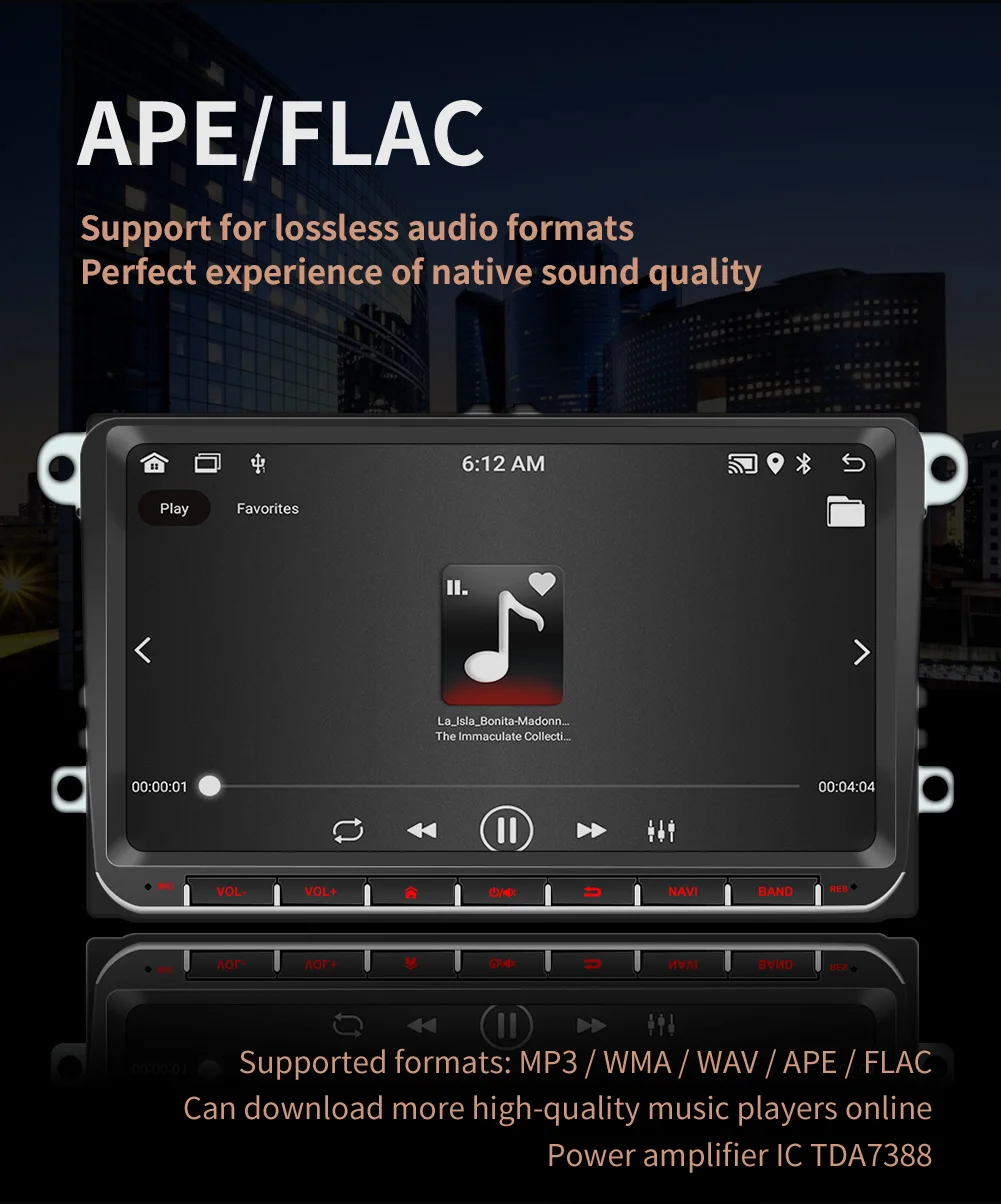
Audio format: MP3/WMA/WAV/APE/FLAC/AAC/OGG/RM
Audio input: 2 channels (left channel + right channel)
Audio output: 2 channels (left channel + right channel)
Brand Name: BQCC
Built-in Screen: Yes
Category: Android navigation machine
Certification: CE
Chipset: A7 1.1GHz x 4
Choice: yes
Digital Media Format: Mp3,MP4,WMA,JPEG
Din: Double Din
Display Size: 9"
For Vehicle Brands/Model: Volkswagen
High-concerned chemical: None
Image formats: JPG/BMP/PNG/JPEG/GIF
Is touch screen: Yes
Item Size: 222x132MM
Item Weight: 1.06
Material: ABS+Metal
OSD Language: Chinese (Simplified),Chinese (Traditional),Polish,German,Russian,French,Finnish,Korean,Dutch,czech,Swedish,THAI,Turkish,Greek,Spanish,English
Operating System: Android 11
Origin: Mainland China
Out Power: 60Wx4
Processor Speed: A7 1.1GHz x 4
Processor Type: Jinganchi
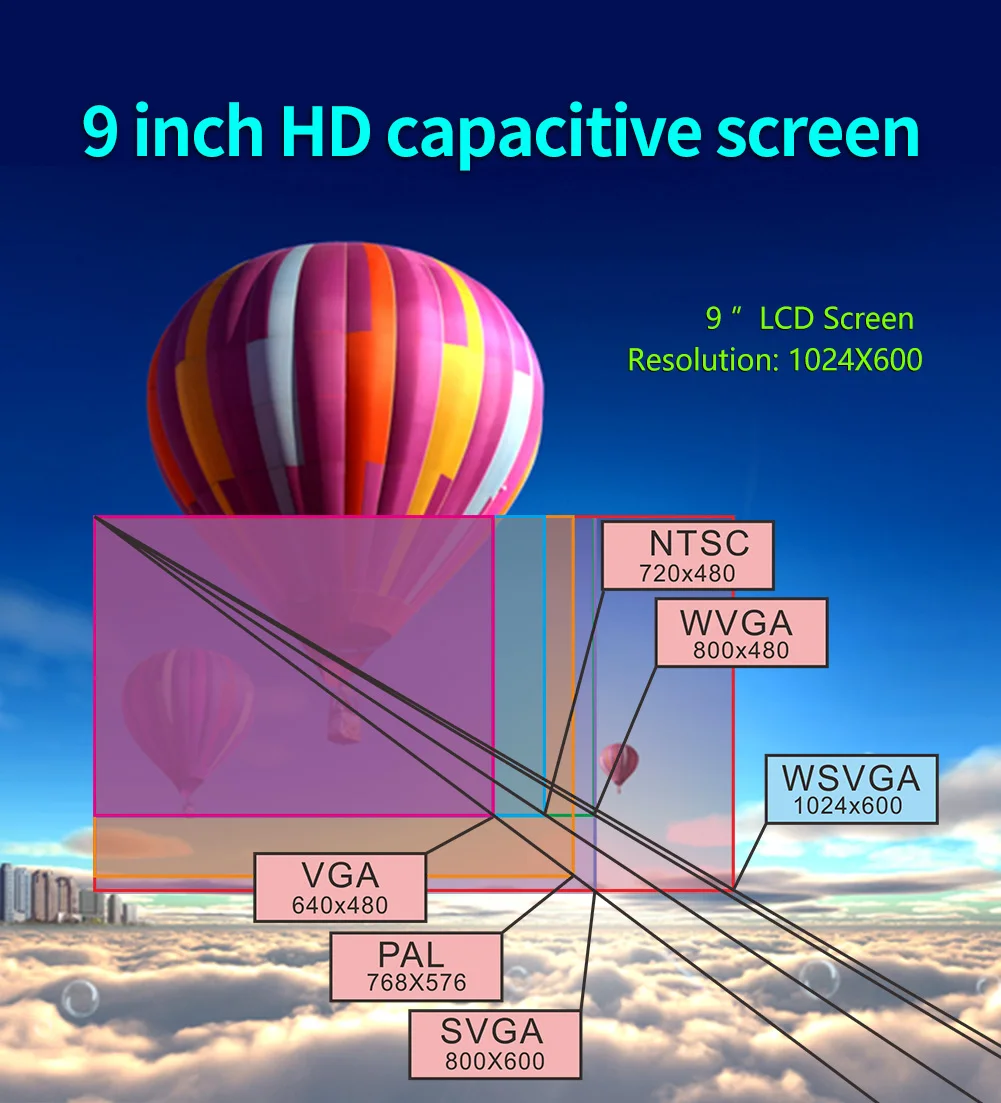
Resolution: 1024x600
Reversing video input: 1 channel
Special Features: Built-In Speaker/Microphone,wifi function,Support steering wheel control,Support 3G Network,Support 4G Network,Built-in GPS,Charger,MP3 players,Voice control,CarPlay,android auto,Reversing Input,Split Screen,Remote Controller Included
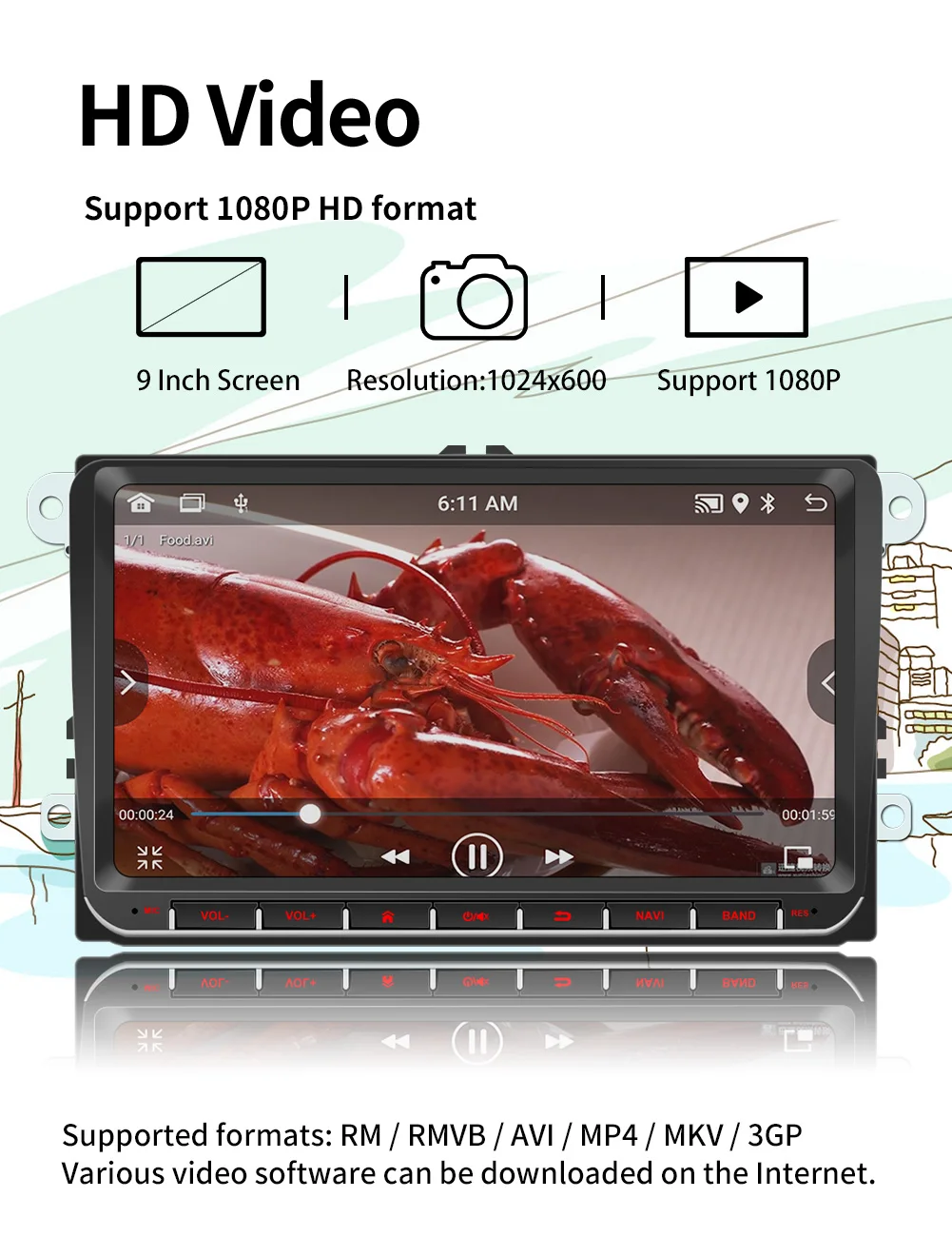
Video formats: MPEG/AVI/RM/FLV/ASF/WMV/MP4/MKV/OGM/TS/DivX/RMVB/VOB
Video input: 2 channels
Video output: 1 channel
Voltage: 12 V
Warranty: 1 year
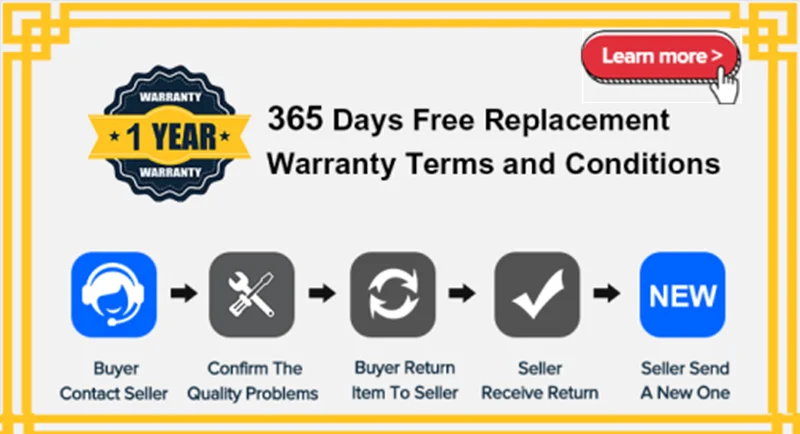
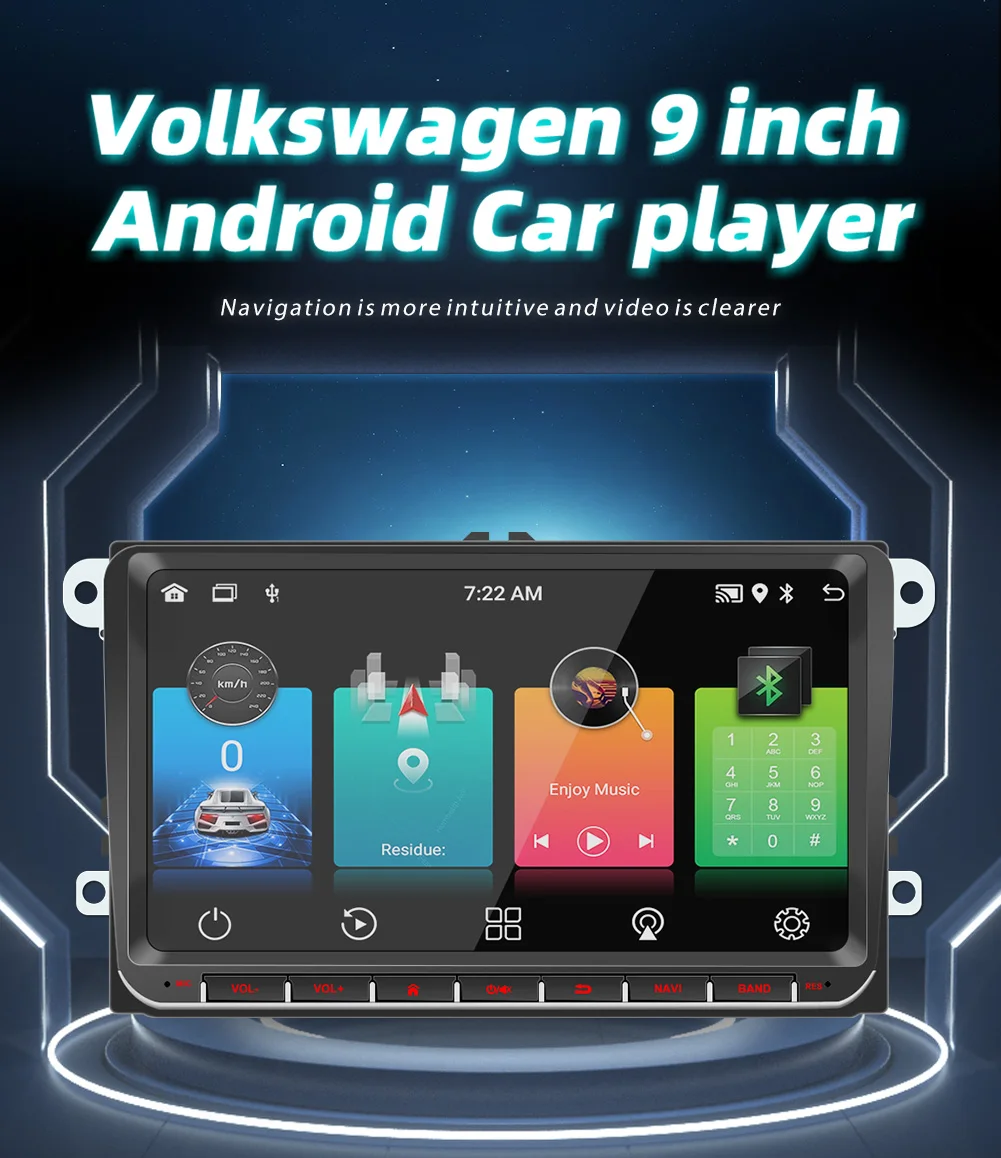
BQCC 9093-J 9" Car Player For VW Volkswagen Golf Polo Tiguan Passat Mirrorlink WIFI GPS BT Wireless Carplay Quad/Octa Core FM IPS RDS
Welcome to my store ! Have a good shopping time !
Loving life, loving shopping.
100% brand new and high qualit
Loving life, loving shopping.
100% brand new and high qualit
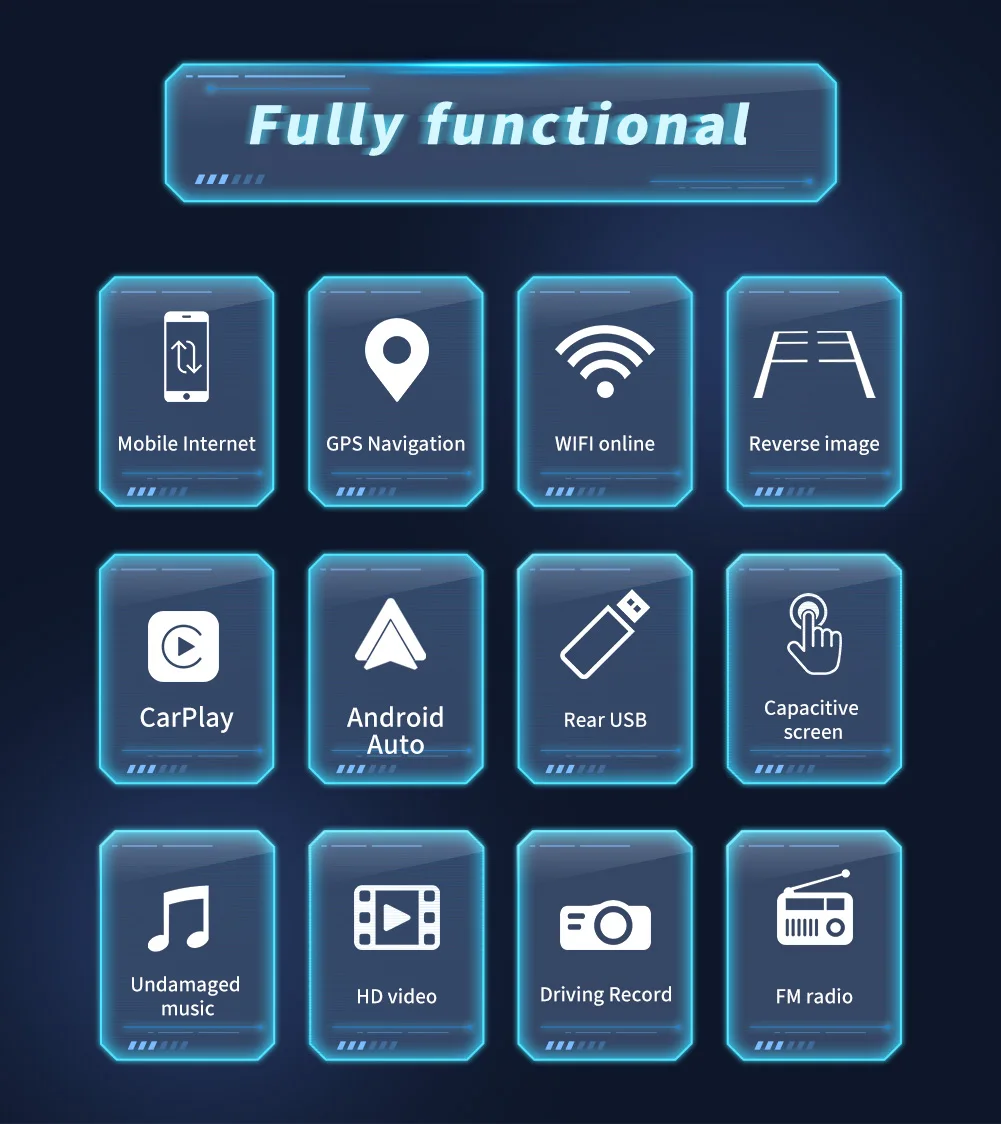
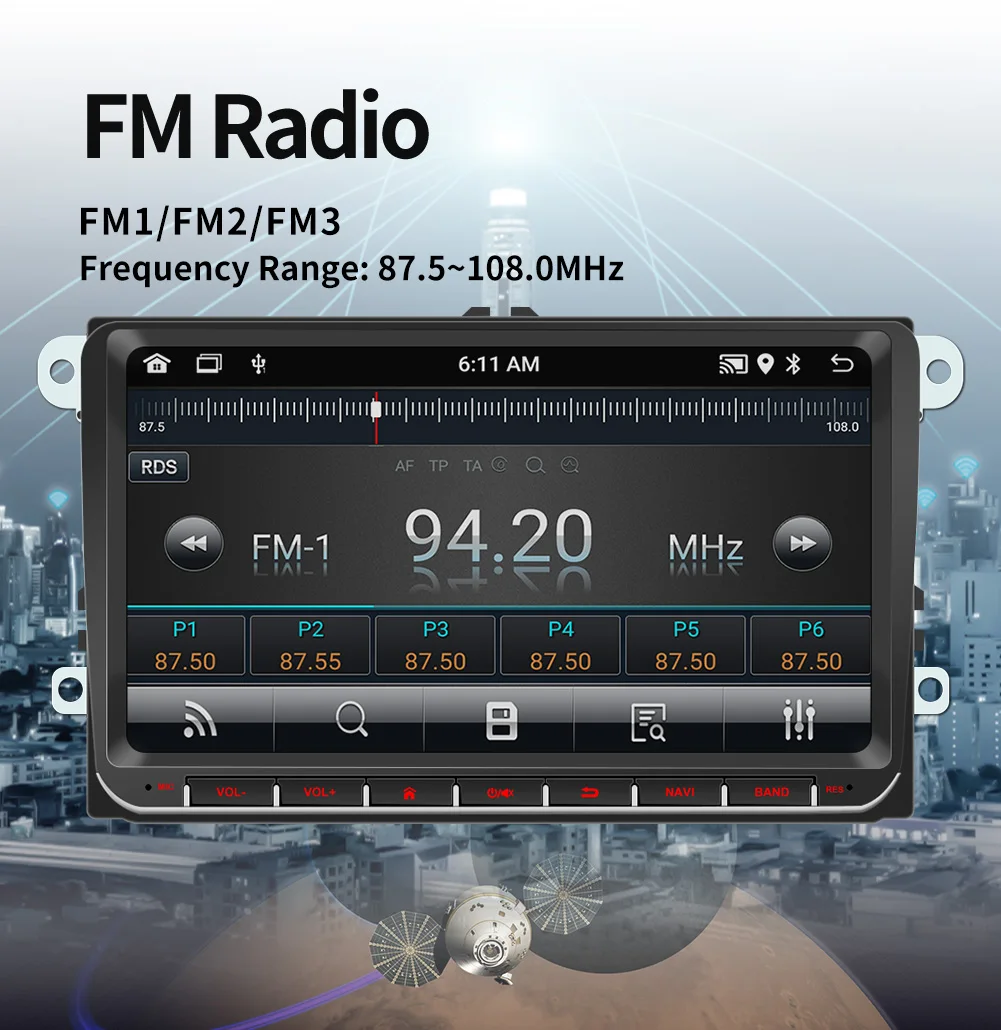
1. Radio
2. Read USB disk (audio/video/picture)
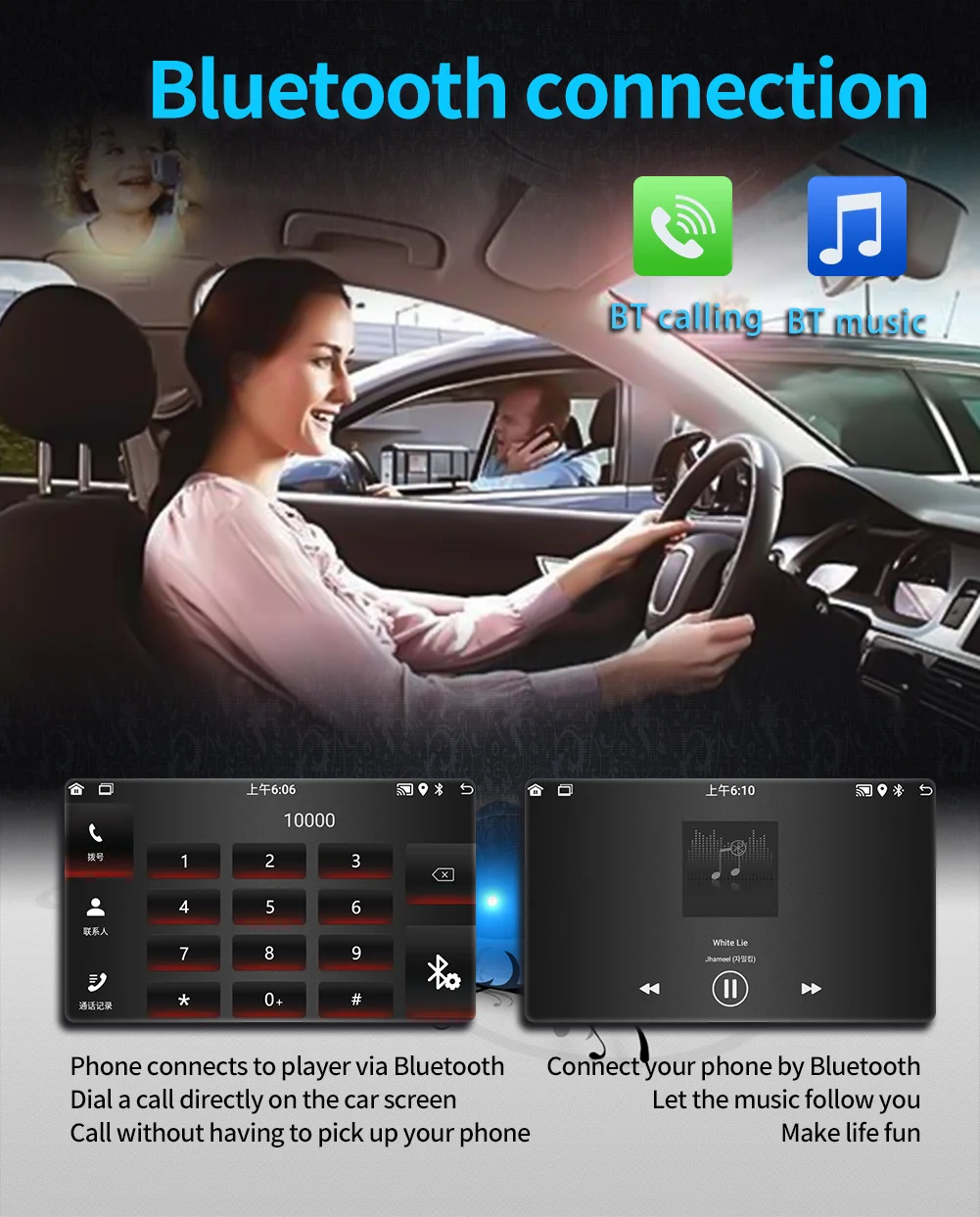
3. Bluetooth function
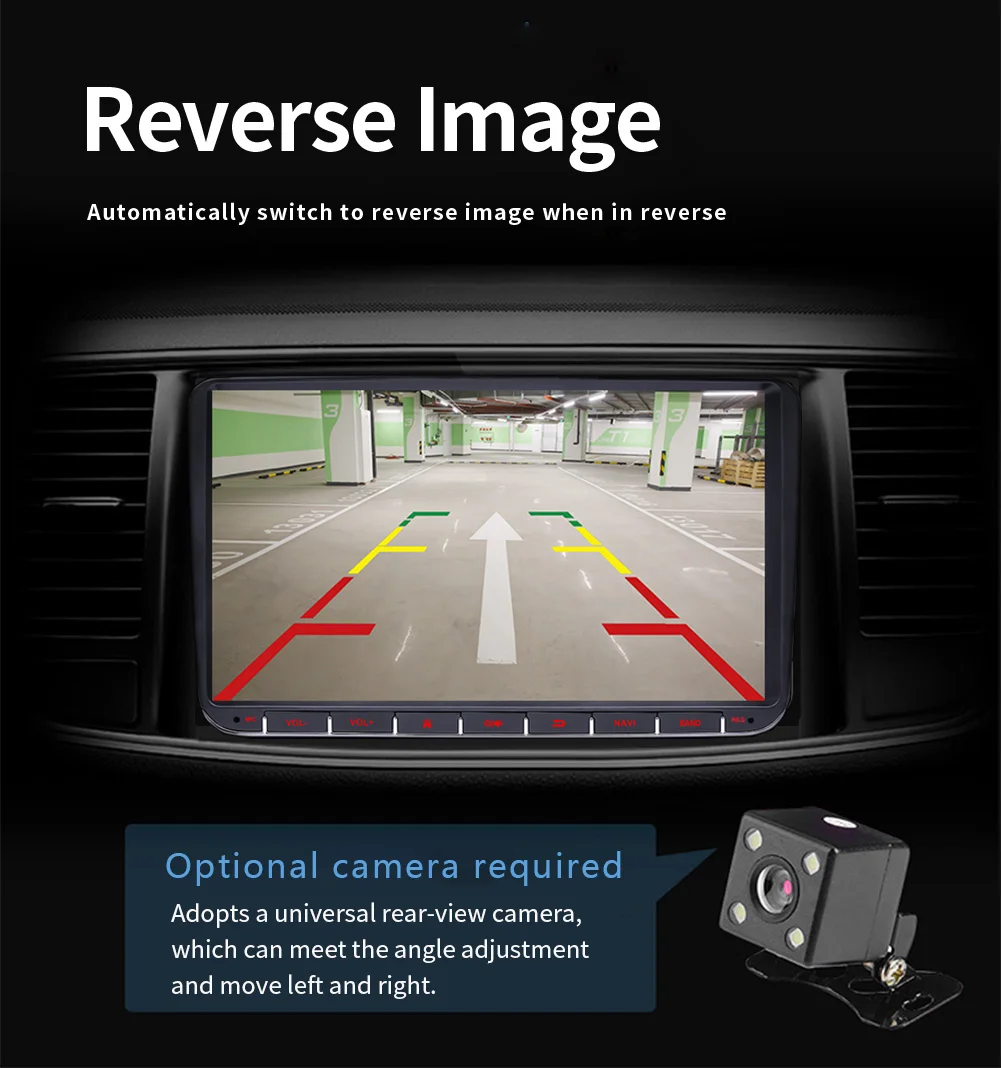
4. Reversing rear view function (camera optional)
5. Video input and output function
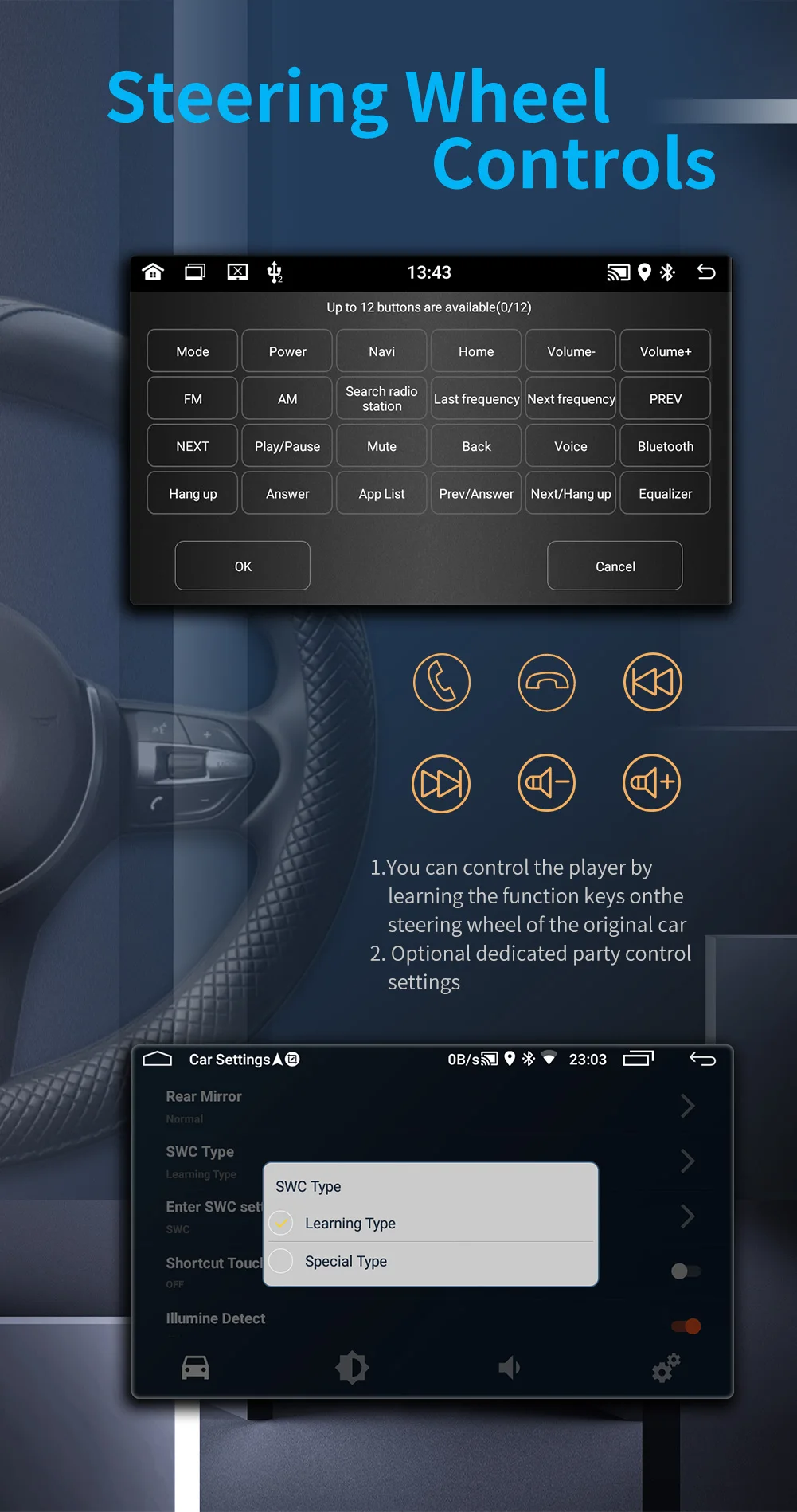
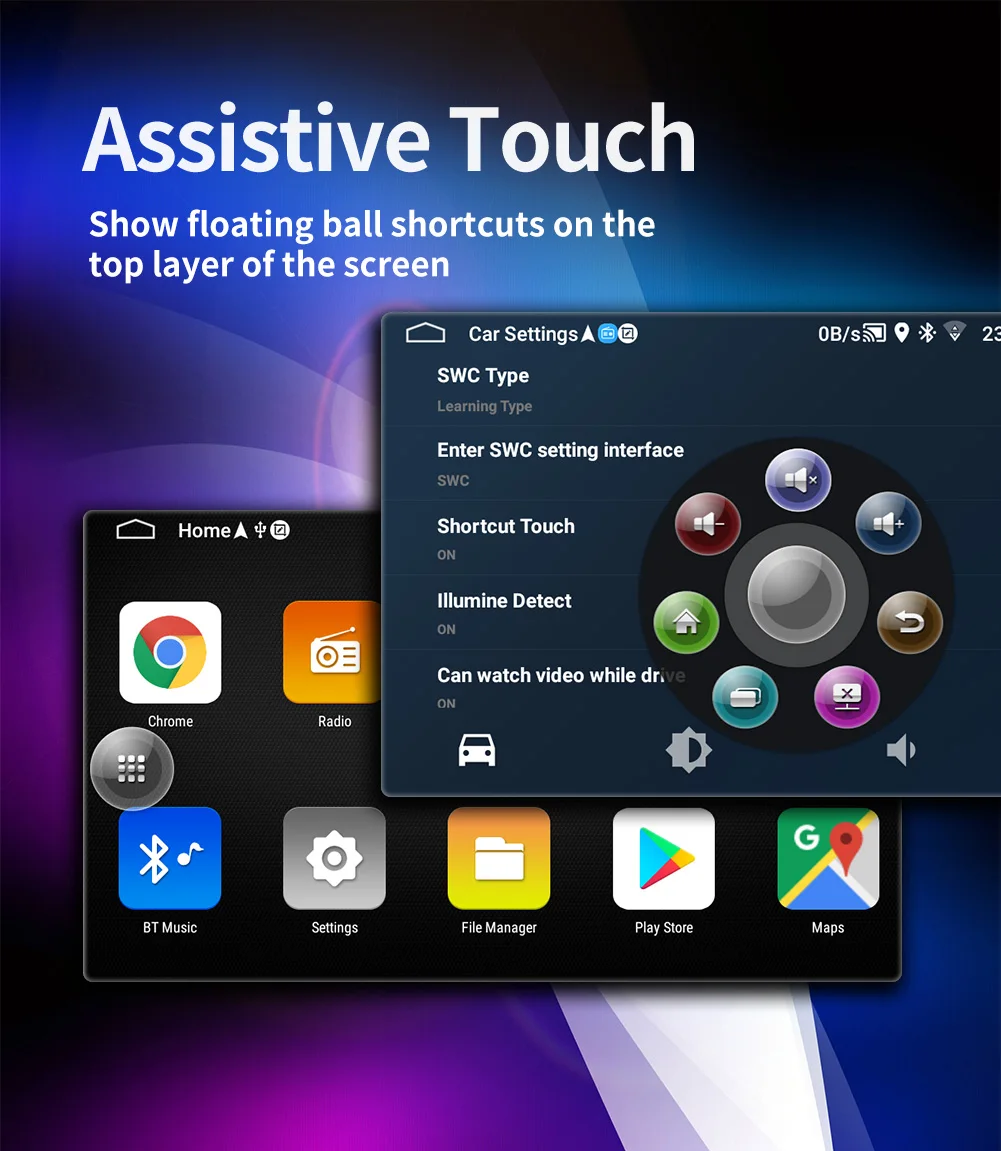
6. Original car steering wheel learning function
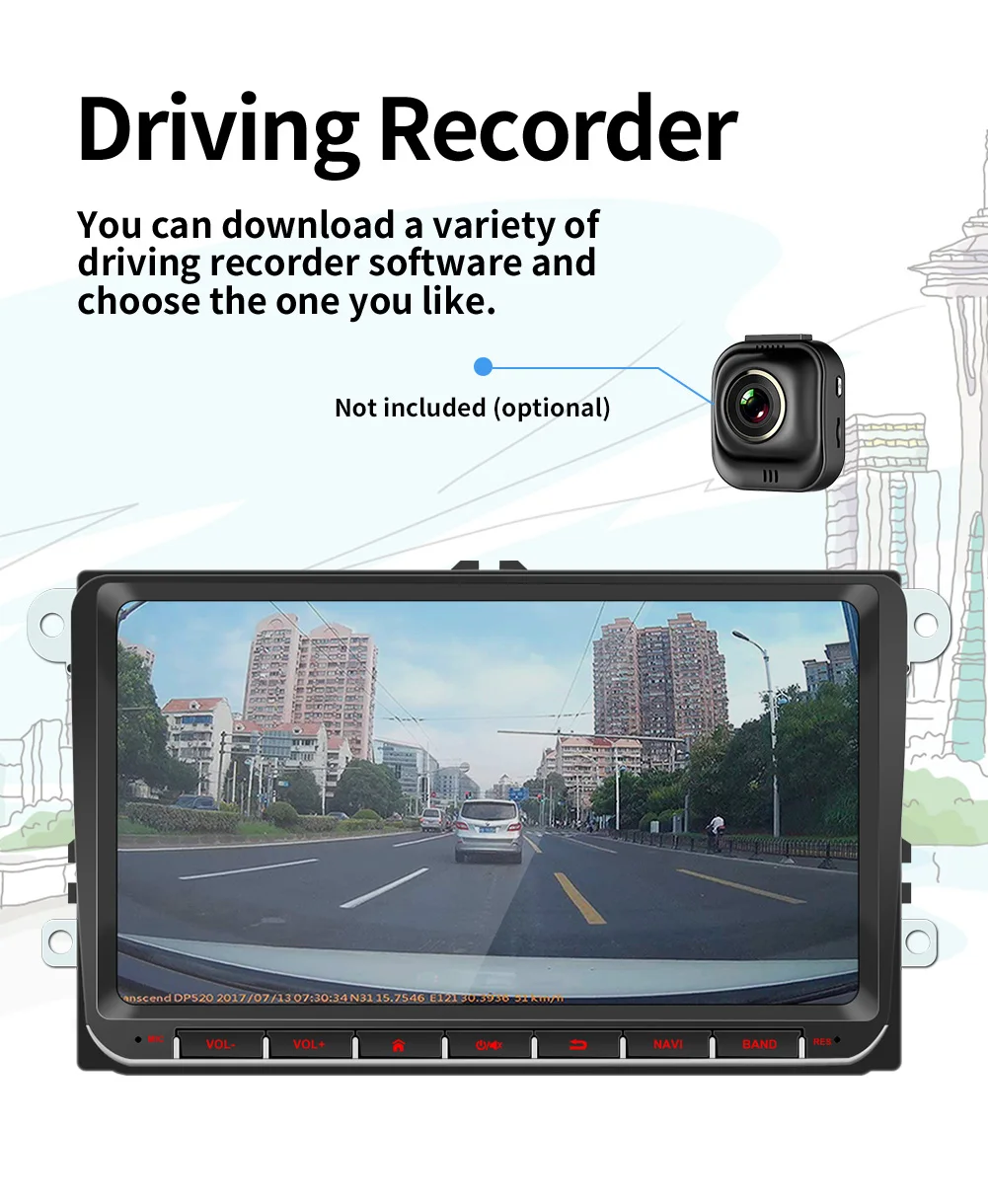
7. Android recorder can be installed
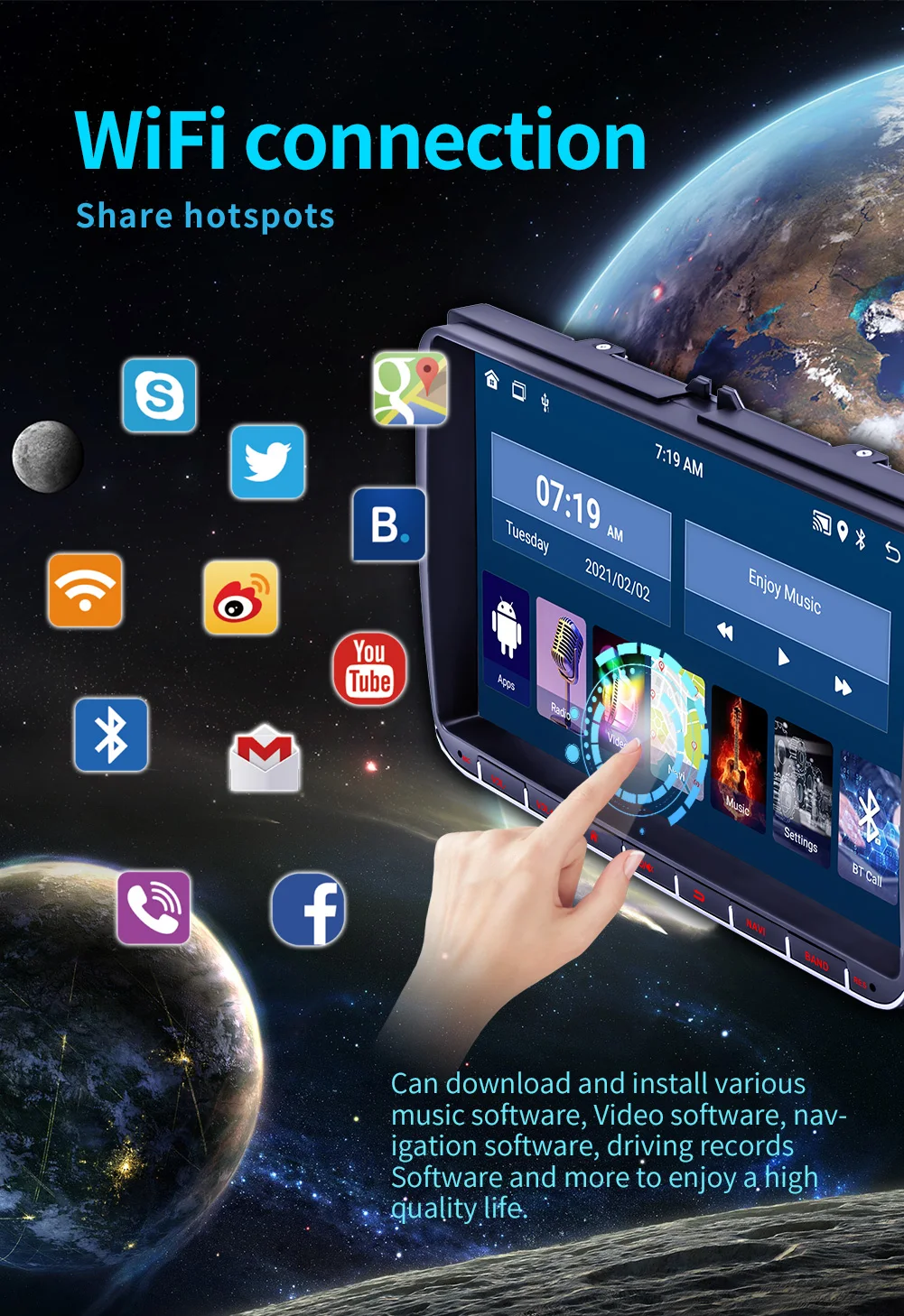
8. WIFI Internet access
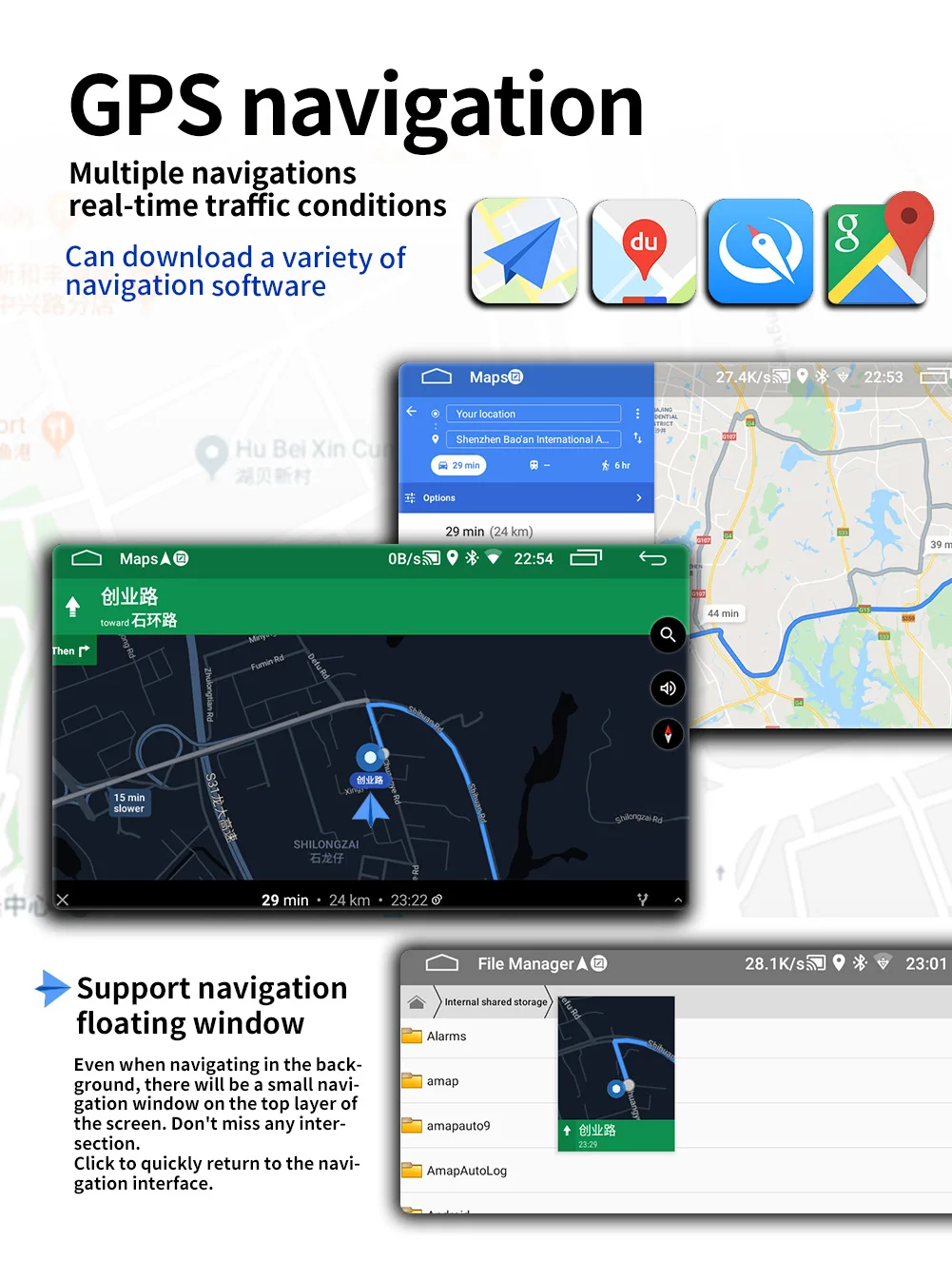
9. GPS navigation
10. APP can be installed
11. RDS function, real-time traffic radio can be received
12. Recorder function
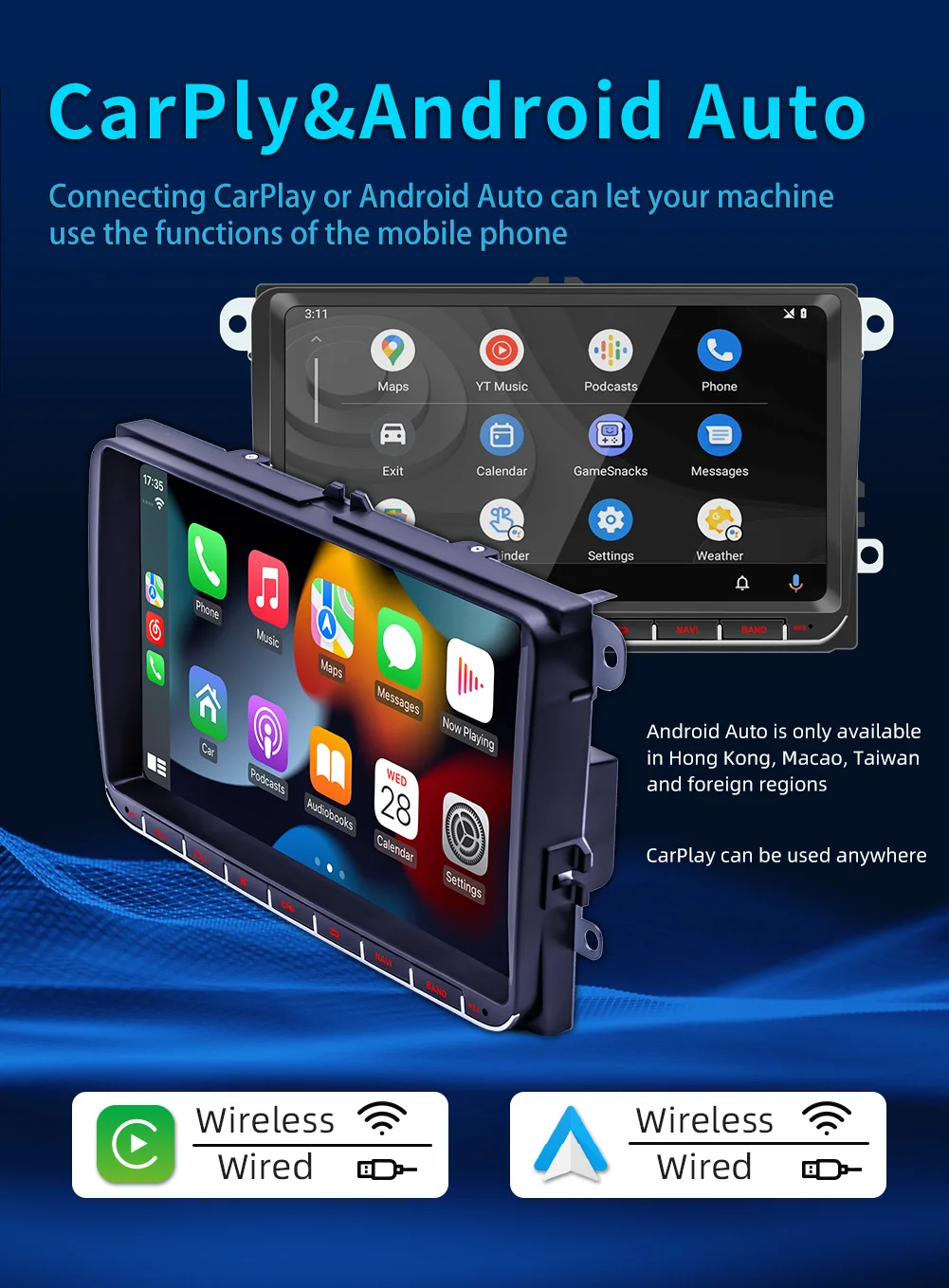
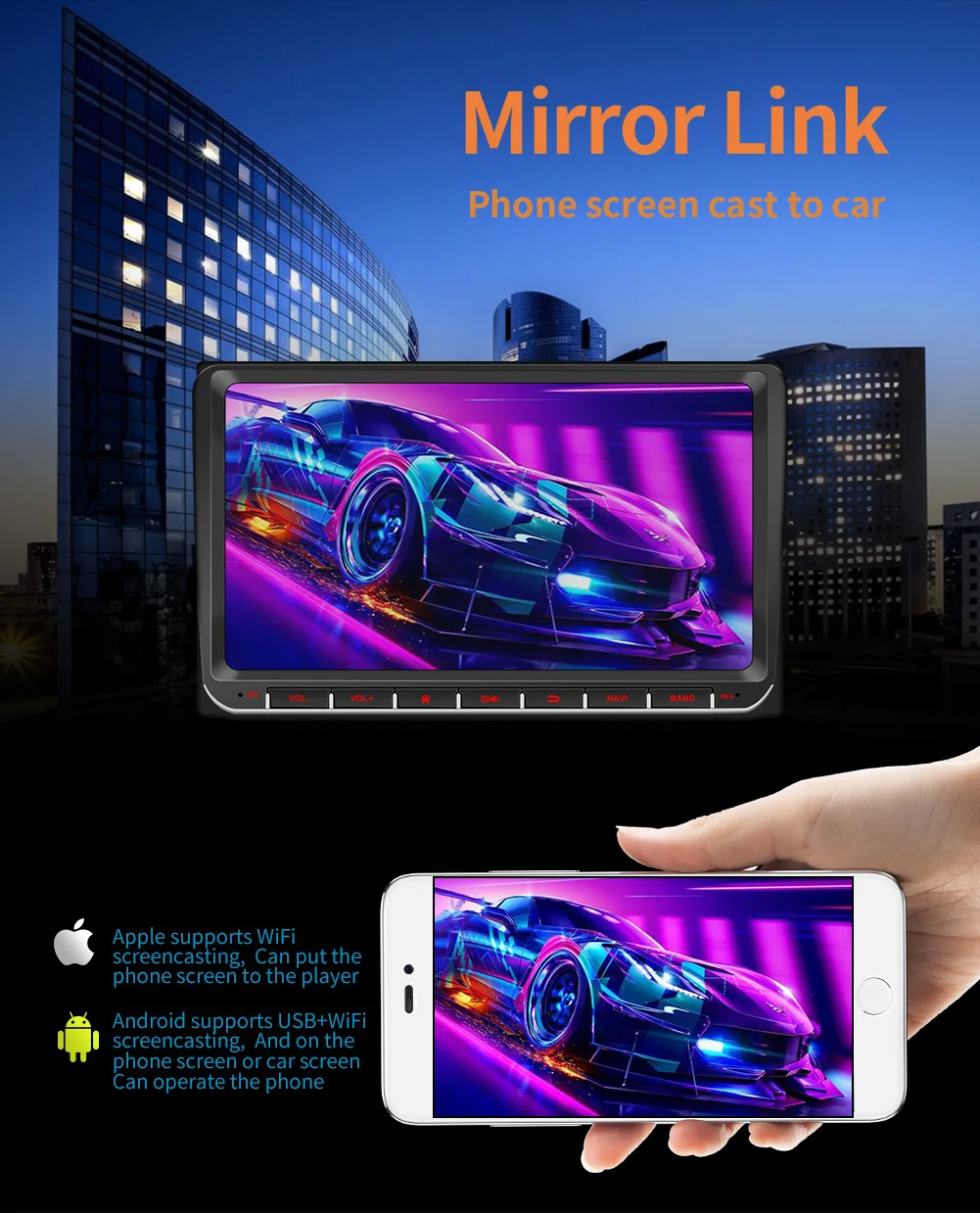
13. Wired and wireless Apple CARPLAY/Android AUTO

Basic parameters
Model : 9093-J
Type : Android navigation machine
System : Android 12
Software solution : Jinganchi (public board)
Radio frequency : FM 87.5~108.0MHz (switchable Europe, Eastern Europe, North America, South America, Africa, Australia, Japan regional radio frequency)
Radio IC : 6625
Amplifier IC : YD7388
Output power : 60Wx4
Working voltage : 12~14.4V
Working temperature : -10~60℃
Bluetooth version : 5.1 version (default name: SWL-BT)
wifi frequency : 2.4GHz
GPS signal : GPS+GLONASS+Beidou
Panel light : red
Performance parameters
CPU : CA7 1.3GHz x 4
Running memory : 1G
Storage memory : 32G
Display resolution : 1024x600
Screen size : 9 inches (IPS display)
Dimension parameters
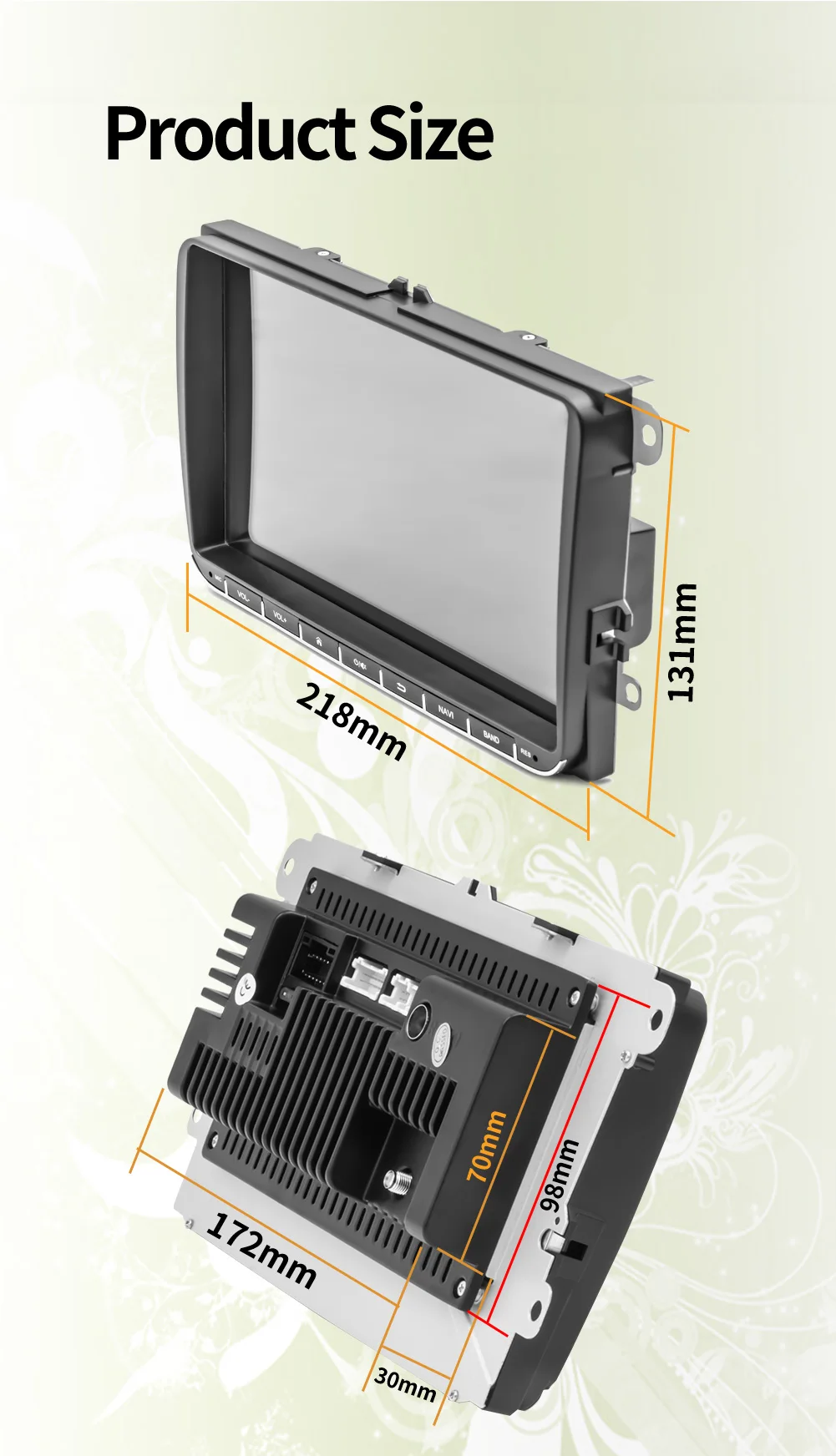
Installation size : 222x132MM (Volkswagen dedicated machine size)
Case size : 220x130MM
Host depth : 30MM
Color box size : 290x190x103MM (cowhide box)
Full box size : 592x382x355MM
Full box number : 12 units
Weight parameters
Single unit weight 1.06KG
Full box net weight 12.72KG
Full box gross weight 13.70KG
Function parameters
Reversing image support (camera optional)
Play video warning support
Steering wheel control support button learning
Video output support
Offline map support (optional)
Driving recorder support (USB signal input)
GPS navigation support
Rear USB USB2.0 x2
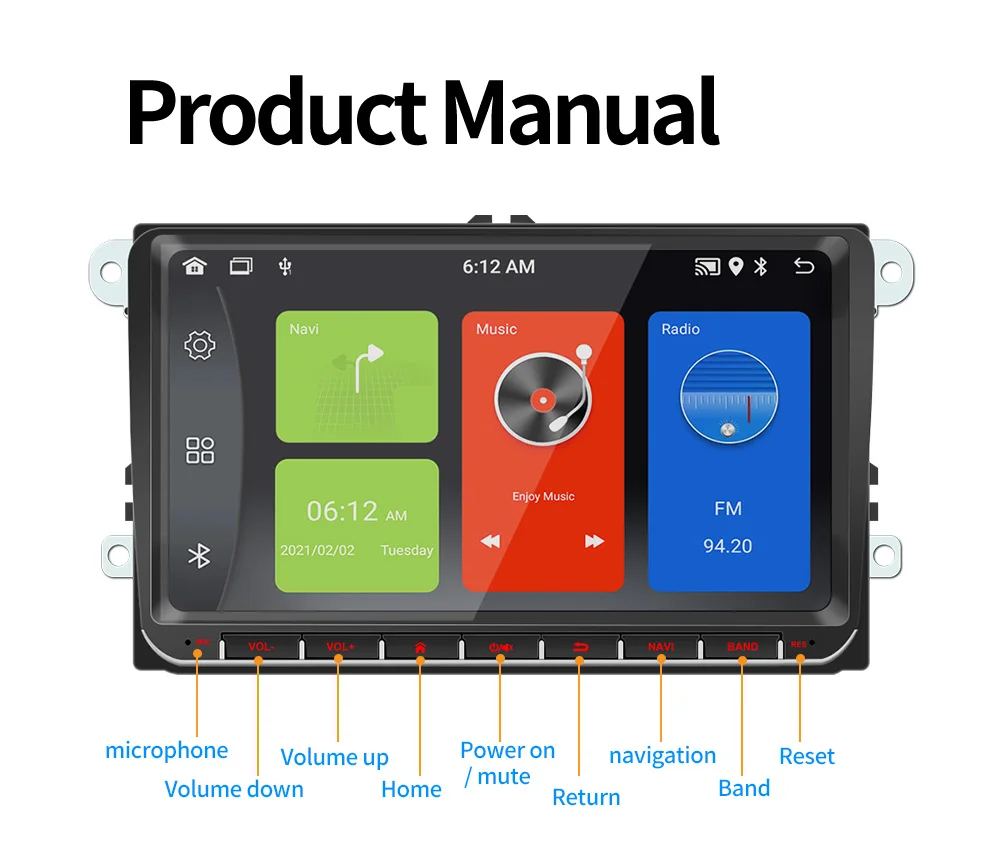
Reset button support
RCA port parameters
Audio output 2 channels (left channel + right channel)
Video output 1 channel
Audio input 2 channels (left channel + right channel)
Video input 1 channel
Front video input 1 channel
Reversing video input 1 channel
Format parameters
Audio format MP3/WMA/WAV/APE/FLAC/AAC/OGG/RM
Video format MPEG/AVI/RM/FLV/ASF/WMV/MP4/MKV/OGM/TS/DivX/RMVB/VOB
Image format JPG/BMP/PNG/JPEG/GIF
Language parameters
Chinese/TraditionalChinese/English/Russian/Greek/Polish/Turkish/Arabic/Persian/Romanian/French/Hungarian/Italian/Thai/German/Ukrainian/Spanish/Portuguese/Czech/Vietnamese/Japanese/Malaysian/Dutch/Indonesian/Korean
Other parameters
Factory set password 1234
Accessories
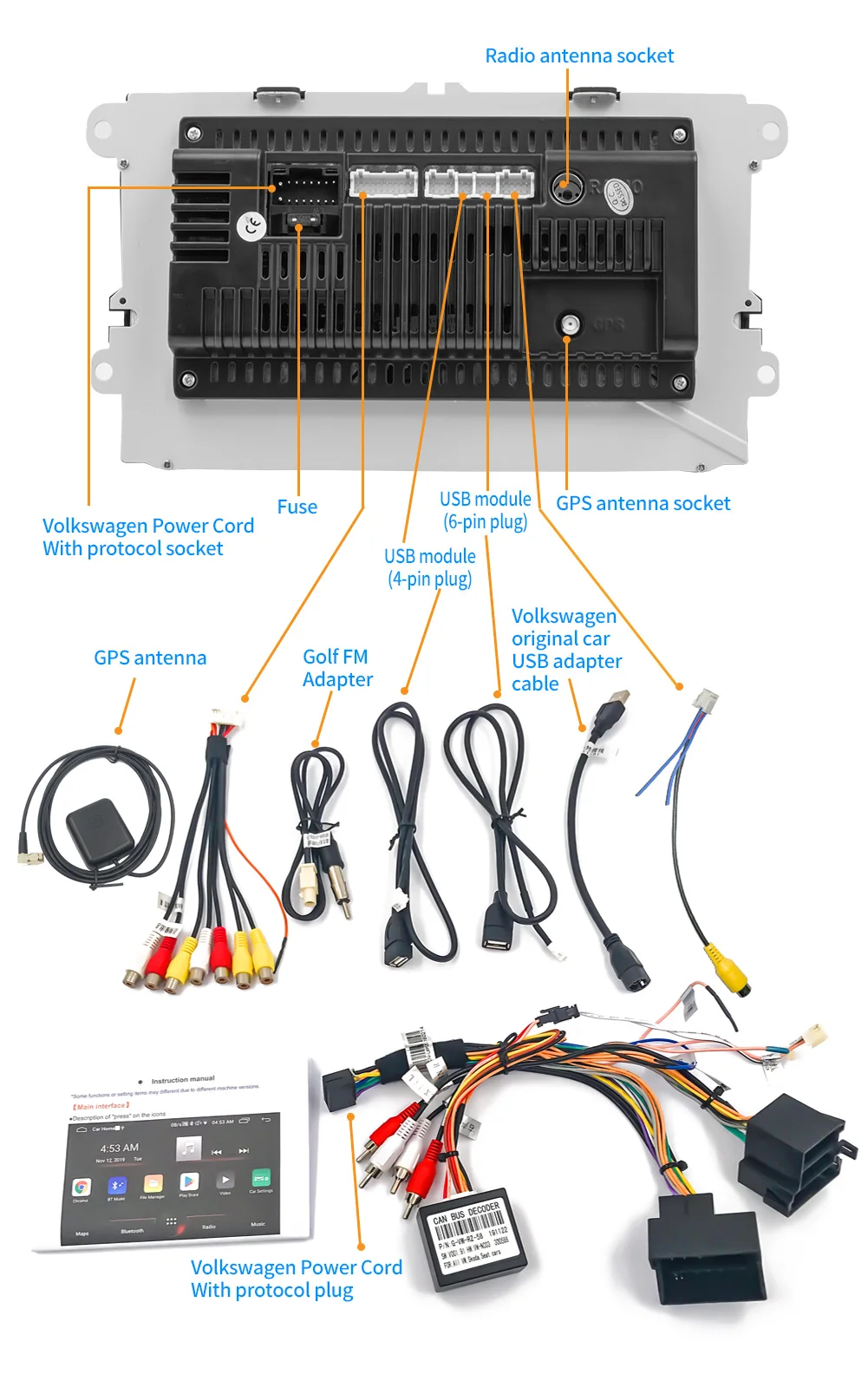
1. Host 2. Manual 3. Special power cord x2 4. USB cable x2 5. GPS antenna 6. Reversing video cable 7. Protocol 8. Radio antenna adapter cable (accessories, instructions, and packaging will be updated from time to time, subject to the actual goods received)
Complete machine list
1x1 car player
1x1 Manual
1x1Power cord
1x1 Fixed mounting bracket set (hardware bracket + rear cover)
1x1 Screws
1x1 TYPE-C to USB data cable
(accessories, manuals, and packaging will be updated from time to time, subject to the actual goods received)
FAQ:
Q1.Why the car radio can't turn on?
1>Please check the Voltage of the car radio: DC 12V
2>When you test this car radio, you can combine the red and yellow wires and connect them to the positive side of the power supply. The black line to the negative power supply.
3>Replace the same type of insurance to test the car radio.
Note: Please must use our power cables to connect our car radio, it is not possible to insert the original car plug directly into our machine.
Q2.Why the car radio will show time after we turn off this?
>That time clock is a function for the car radio, that can't be removed. In fact, a car radio had been turning off, saves time is more convenient for people to see,
>If you didn't need this, you need to unplug the power positively and negatively
Q3.Why hasn't sound in the car radio when playing music?
>1. When you are not using our original audio cable, please check if your audio cable is suitable for our camera.
>2. Please check if there is any collision between the lines.
>If the line is connected, there will be no sound when the speaker cable touches the speaker cable. There is also no sound when the power cord touches the speaker cable.
>If the problem is still here, please use a single speaker to connect a group of audio cables to test the car radio. The four-speaker cables are connected separately to see if there is any sound.
Q4.Why can't search FM?
>1. No radio antenna was inserted.
>2. Please check if the radio antenna is plugged in. Please insert more antennas several times to make it well contacted.
>3. The signal of your location is not good. Please go to a better place to test again.
>4. The radio antenna on the car is broken/has no effect; please replace the radio antenna and test it again.
Q5.Why can't connect the Bluetooth to the car radio?
>1. Open the phone settings interface, open the Bluetooth in the Bluetooth function, search for Bluetooth devices, and find the player's Bluetooth model to be paired; if you need a pairing code, enter 0000; if not, try 1234 or 123456.
>2. Please try to use another mobile phone to test this function. All methods are correct and still cannot use Bluetooth, Please unplug the plug on the back of the player and plug it in after 3 minutes.
Q6. How to update GPS Map?
>1. First of all, you need to download the map update APK from our website or anywhere else, or use a mobile phone to do WIFI hotspots to download and install directly. You can also use online navigation. Then you need to copy them to the GPS ROM and set the navigation path to the navigation program by setting.
Q7.Is it possible to listen to music or radio while using navigation ?!
>1. Yes, it is possible to listen to the radio or music while using the navigation system. Clayton devices are using a unique technology that makes listening to music happen when you are using the navigation system.
Q8.Do these units support steering wheel control ?!
>1.Yes of course. For each different car model, there is a different CAN-Bus ( Optional ) that comes with the unit to match the unit to the vehicle amplifier and steering wheel control.
Q9.Can we install the DVD Units ourselves?
>1. We will provide all the wires for the navigation, Power wire (Plug and play), RCA wires (with 7 ports), Reversing video input wire & wifi & Bluetooth antenna, GPS antenna, two USB wires
>2. It is preferred that the installation be done by a professional person. We are not responsible for the damages that might occur to the dashboard of the car while installing the device. So it is better that a professional person installs the unit on the cars.