
Skip to product information







Carbitlink Smartlink Phonelink Easy to Wireless CarPlay Android Auto Adapter for JAC Geely
$191.57
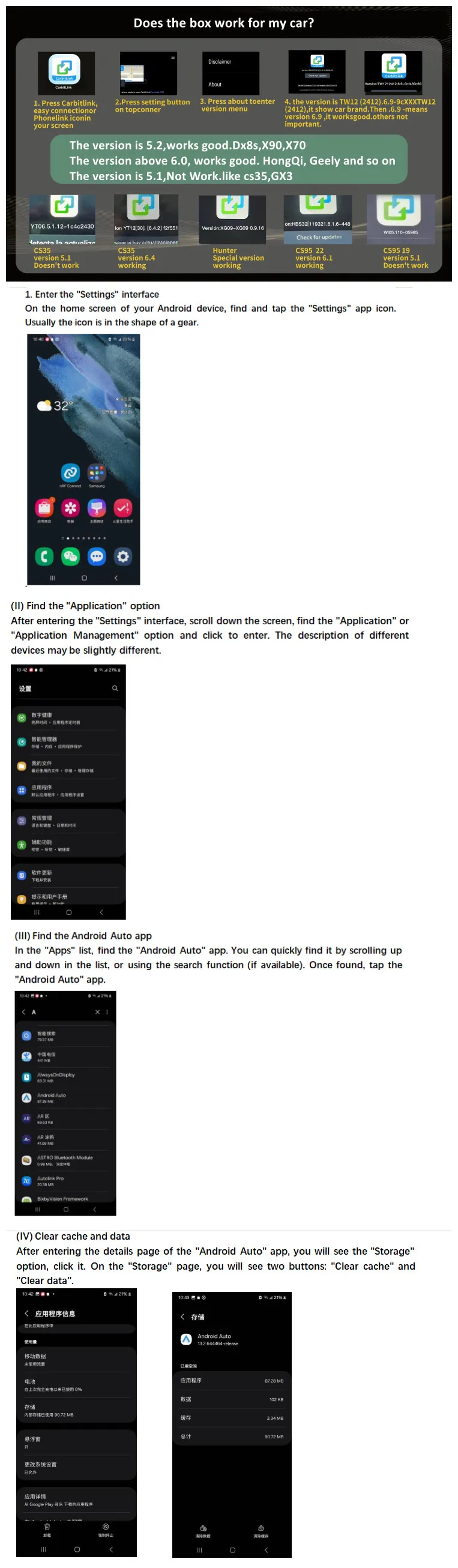
Please kindly note:
(For cars purchased between 2019 and 2024, the Carbit link version is 6.0 or above. If you are not sure whether it is compatible, please consult us)
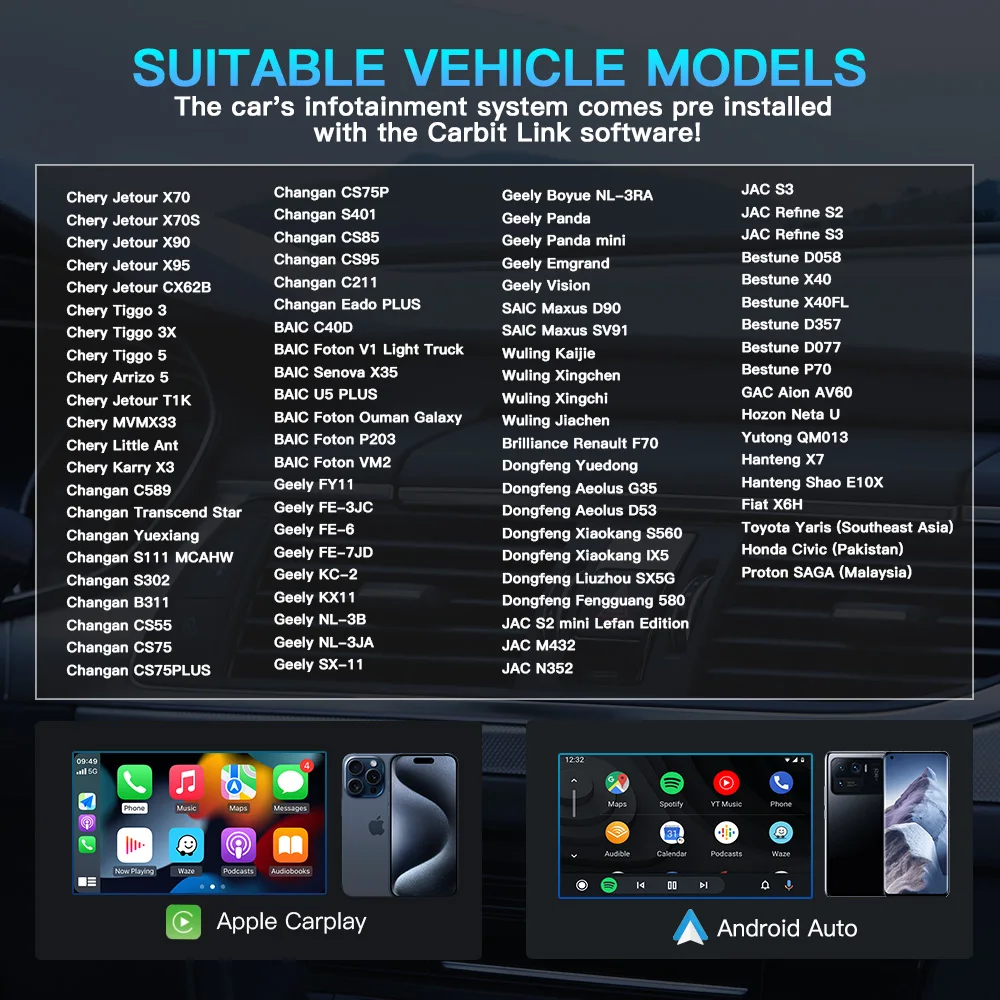
1.This current product is Carbit link / Smart Link / Phone Link / Easy connection to CarPlay and Android Auto convert box that ONLY supports: Chinese made car with Carbit link / Smart Link / Phone Link / Easy connection function.
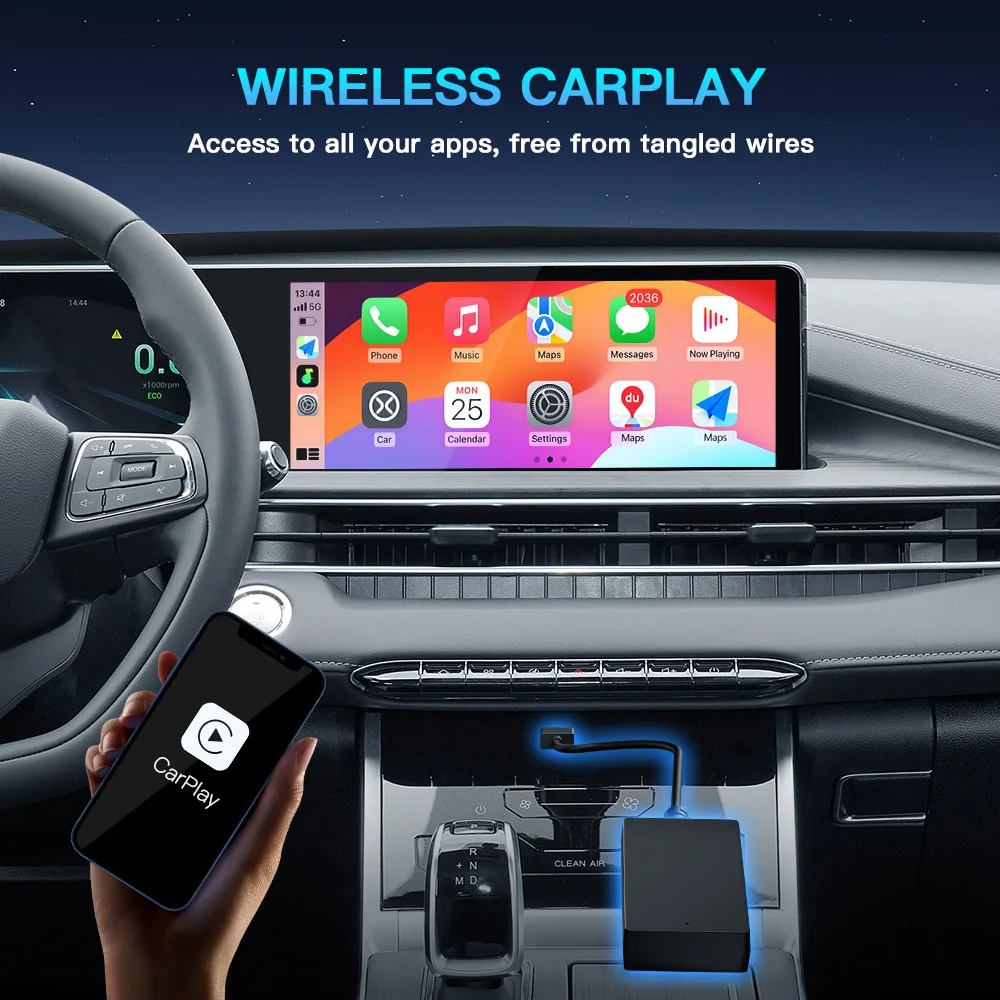
2.The principle of use of this product is to upgrade wired Carbit link / Smart Link / Phone Link / Easy connection of original car screen to be Wireless CarPlay and Adroid Auto function.
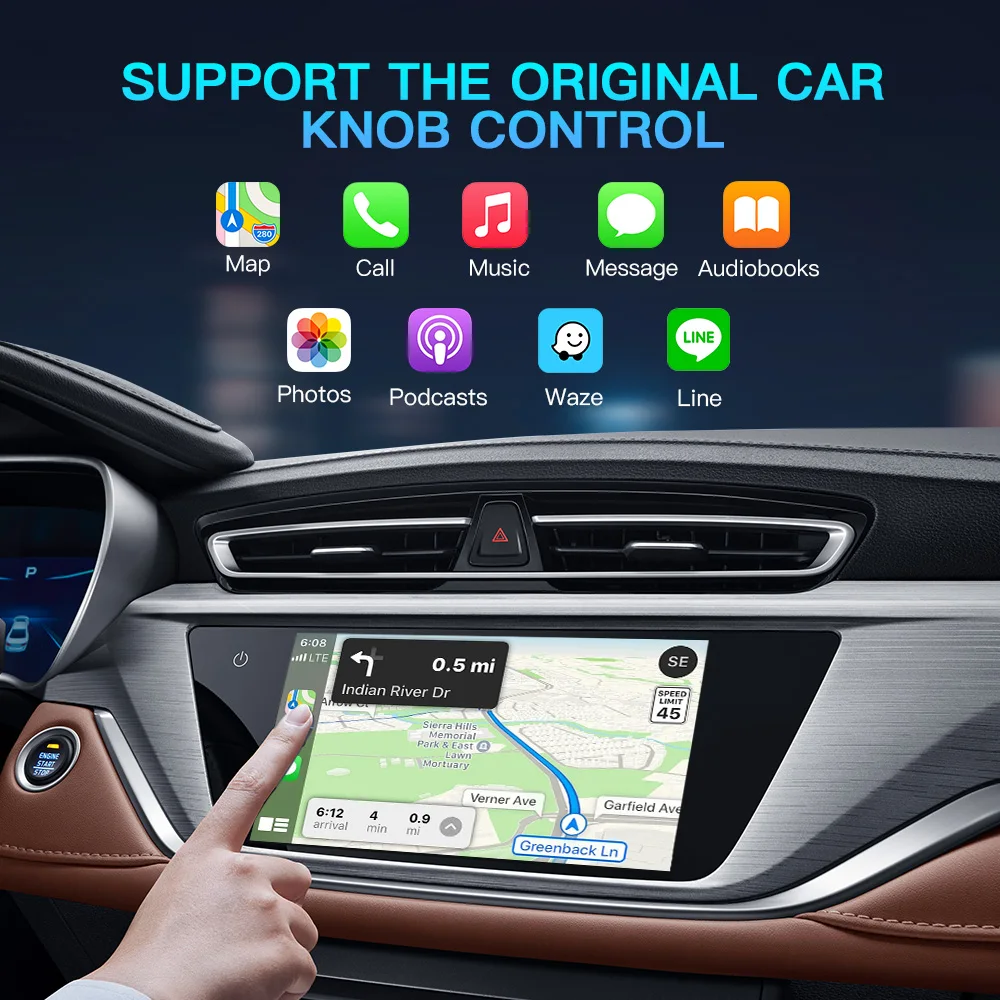
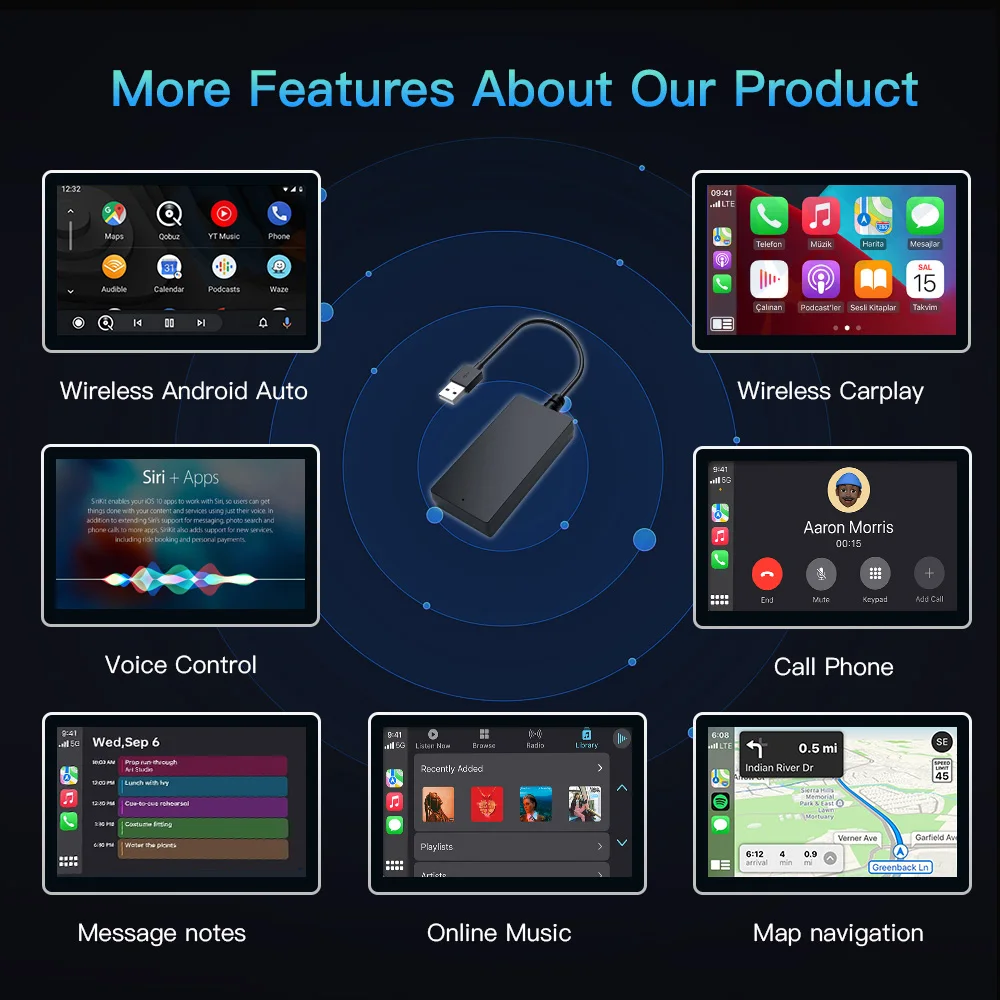
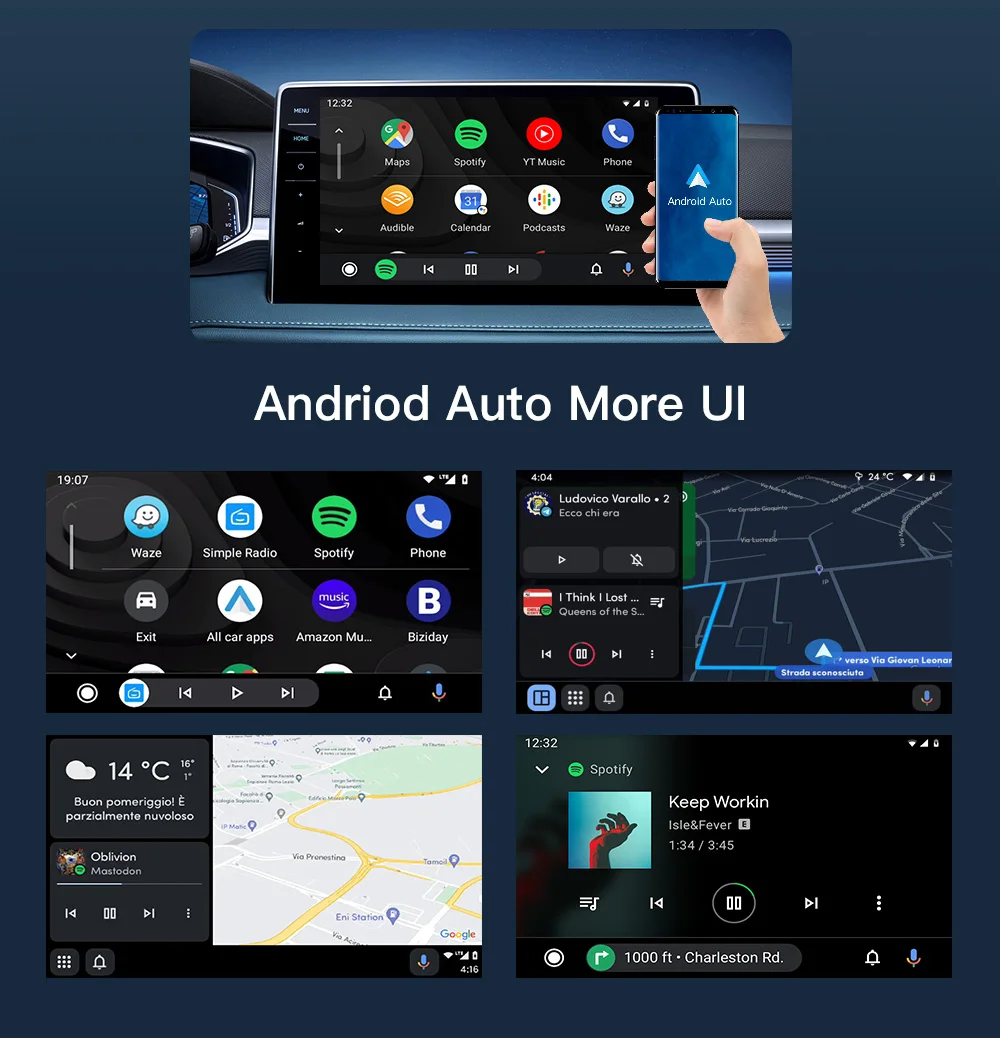
All cars manufactured in China for the Chinese market are equipped with the Carbit link / Smart Link / Phone Link / Easy connection This Carbitlink - Apple Carplay / Android Auto adapter allows you to activate the Carplay system and connect your iPhone with the Carplay option to the car's standard radio or activate the Android Auto and connect your Android Phones . After connecting your phone, you will be able to use navigation (Yandex Navigator (with Yandex.Plus subscription), 2GIS, Waze, Apple and Google maps), instant messengers (WhatsApp, Viber), listen to online music, podcasts , on the screen of the standard radio
Benefits of activating Apple CarPlay / Android Auto:
- AppStore / Play Store certificated Apps of the car’s multimedia for the your car.
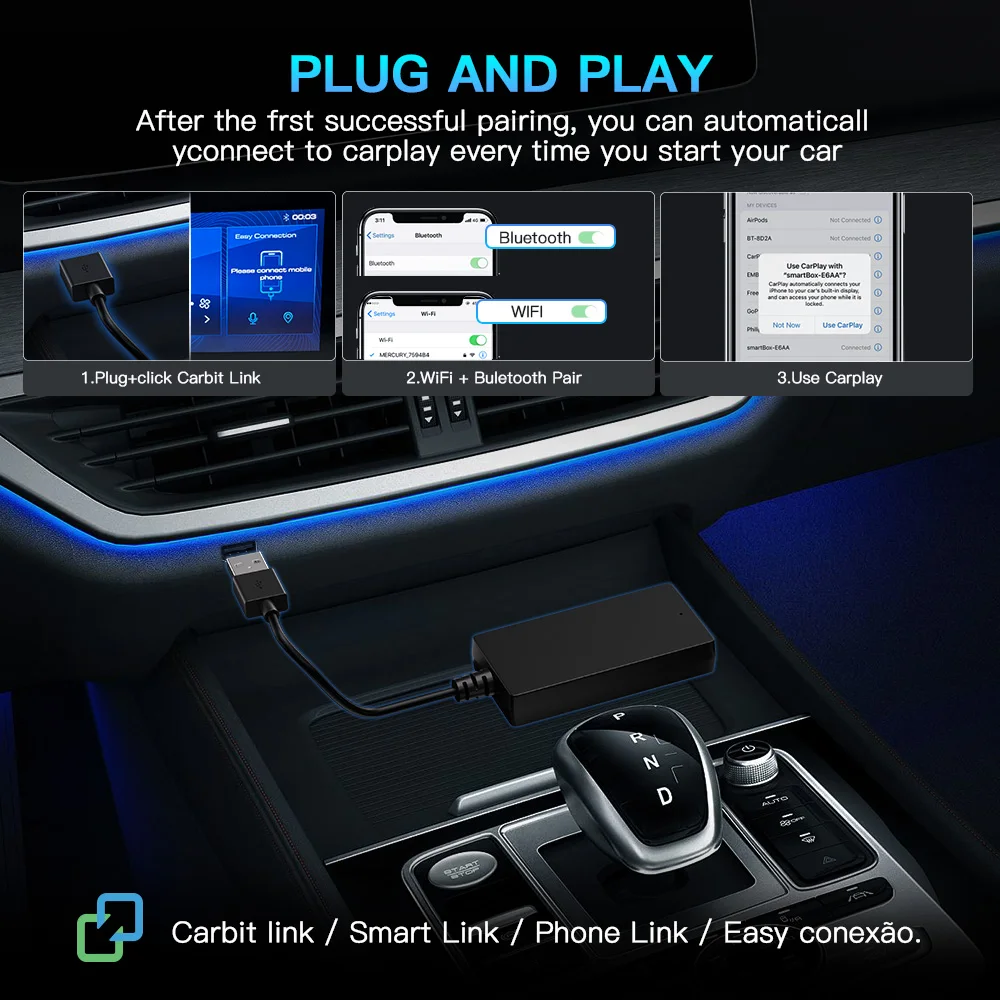
- Automatic connection
- Provides the convenience of using CarPlay / Android Auto
- Wireless connection, phone in your pocket or bag - does not require
connection to your car every time
- Calls, SMS, contact list - always on the car radio screen
- Listening to music from your phone to your radio
- Installing any Apple Carplay-compatible applications from the AppStore
Samsung mobile phones frequently disconnect and cannot connect to AA Other improvement measures
1. Check the application version: You can open the Google Play Store, search for "Android Auto", and if there is an update button, click it to update to ensure that you are using the latest version.
2. Check the permission settings: Make sure Android Auto has the necessary permissions. Go to the phone's "Settings" - find "Android Auto" - click "Permissions" and confirm that all permissions such as location, storage, and Bluetooth are enabled.
3. Reset related settings:
(1). Reset Bluetooth settings: If you are connecting to Android Auto via Bluetooth, click the "Settings" icon in the upper right corner of the phone, find the "Bluetooth" option, select "Reset Bluetooth", and then try pairing again.
(2). Check the automatic blocker function: The "automatic blocker" function of some Samsung models may affect Android Auto connection. Go to your phone's "Settings" - "Security & Privacy", find the "Auto Blocker" feature and turn it off, or make sure the "Maximum Restrictive" mode is turned off.
🚚 Shipping: Items ship within 1-3 business days.
🔧 Warranty: 1-year warranty included.
🔄 Returns: 30-day return policy.
Images are for reference only.