
Skip to product information





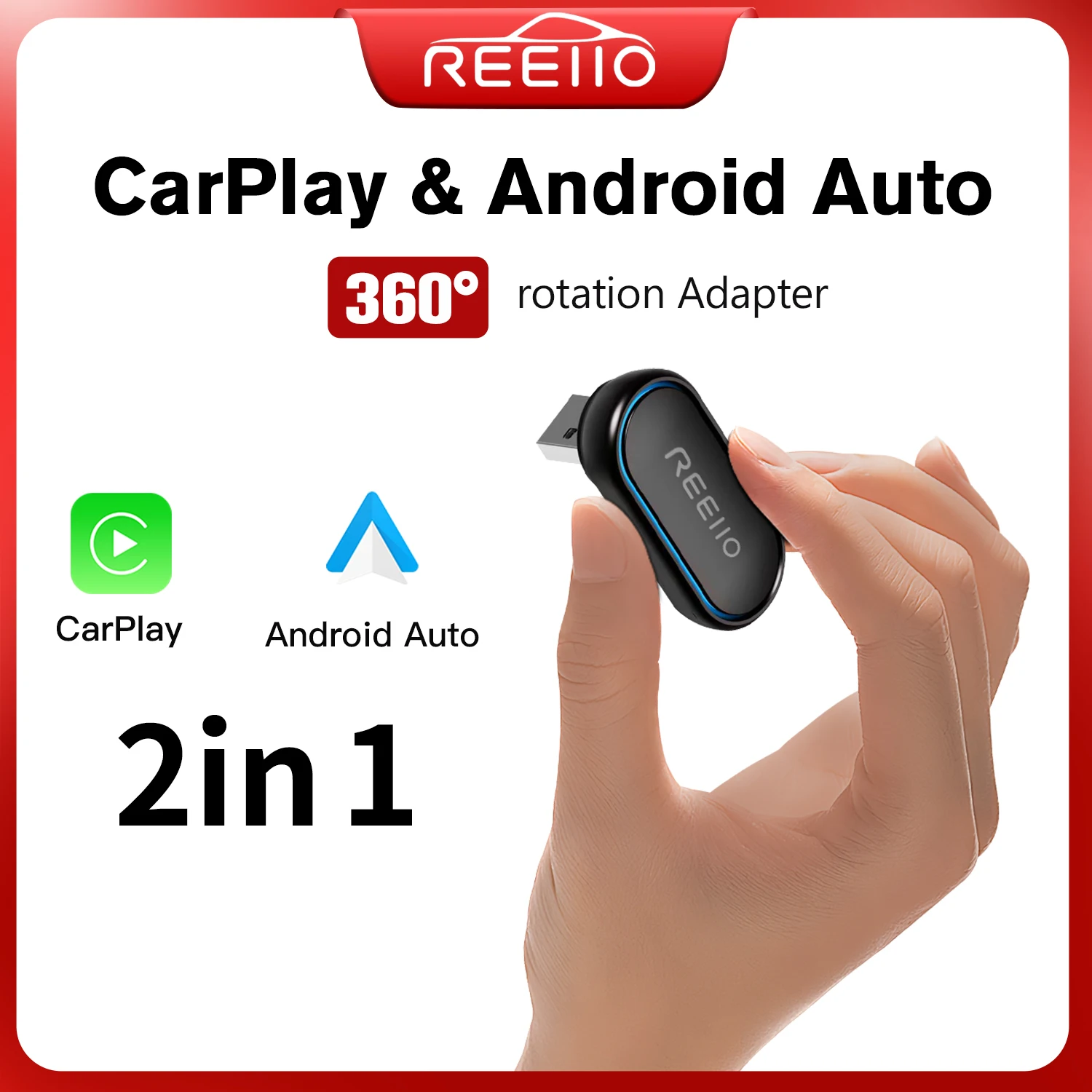
REEIIO WiFi Fast Connectivity 2-in-1 360 Degree Wireless Adapter CarPlay Android AUTO Car
$44.48
Note:
please make sure the car has wired CarPlay and Wired Android
If the car only has the Wired CarPlay but do not have the wired Android Auto, it cannot use the wireless Android AutoThere are many CarPlay and android auto adapters on the market now, and they all have some limitations. It's time to use our two-in-one product. No matter what kind of smartphone you use, one product can be compatible with both. kind
Features
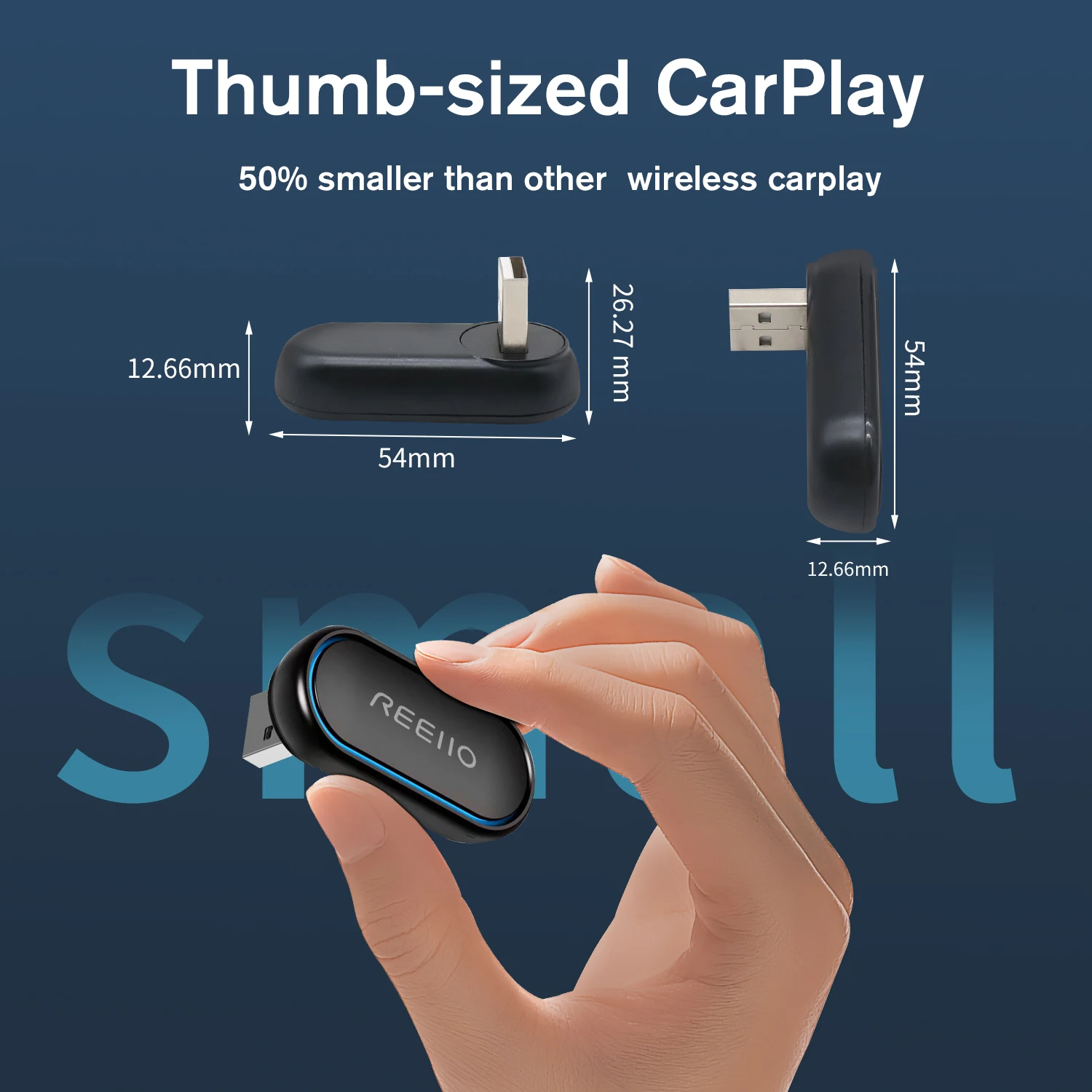
1. Possibly the world's smallest 2-in-1 CarPlay Android Auto Adapter
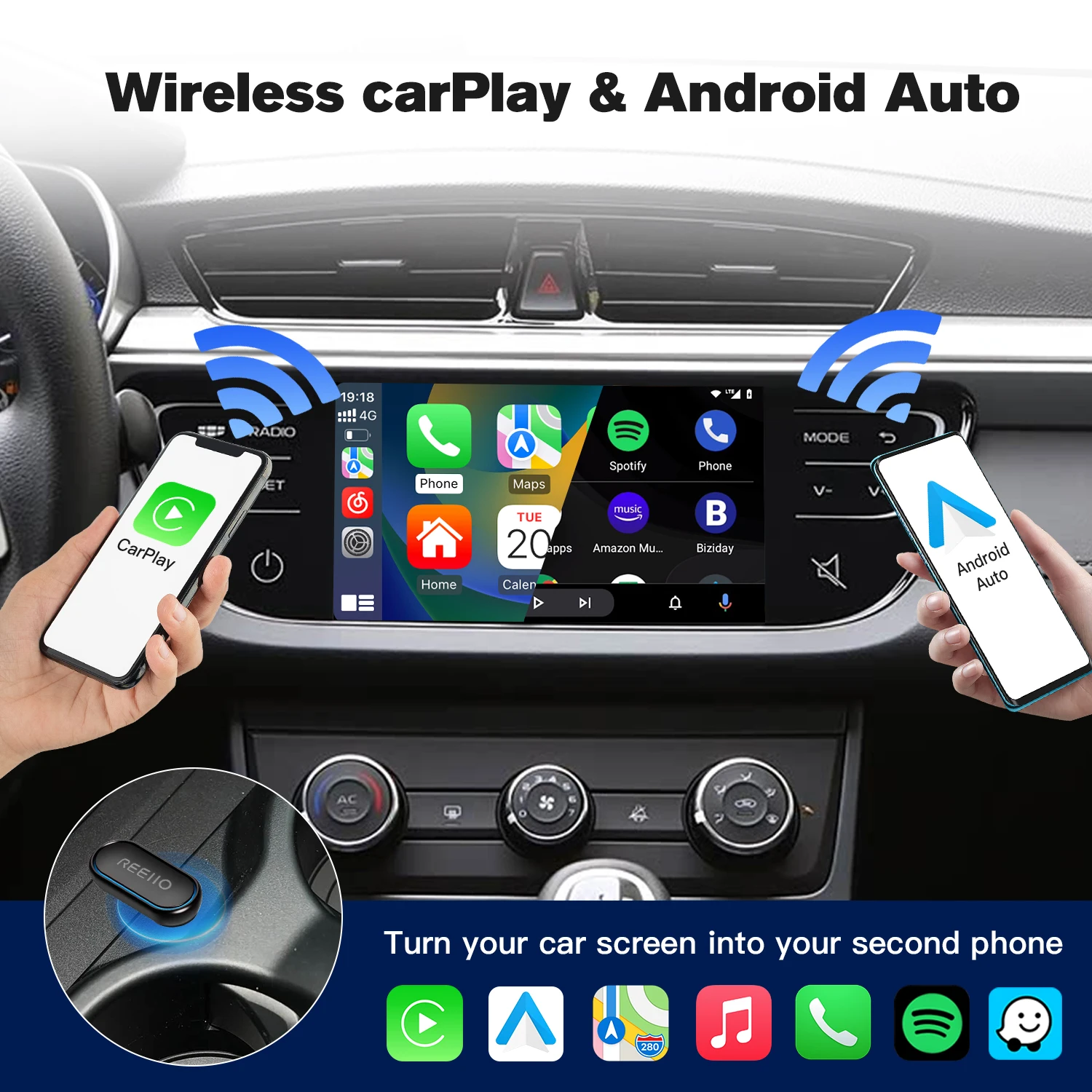
2. Wireless CarPlay, Convert factory wired CarPlay to wireless, Support Siri,GPS Navigation and so on.
3. Wireless Android Auto, Convert wired Android Auto to wireless, Support Google Assistant, GPS Navigation and so on
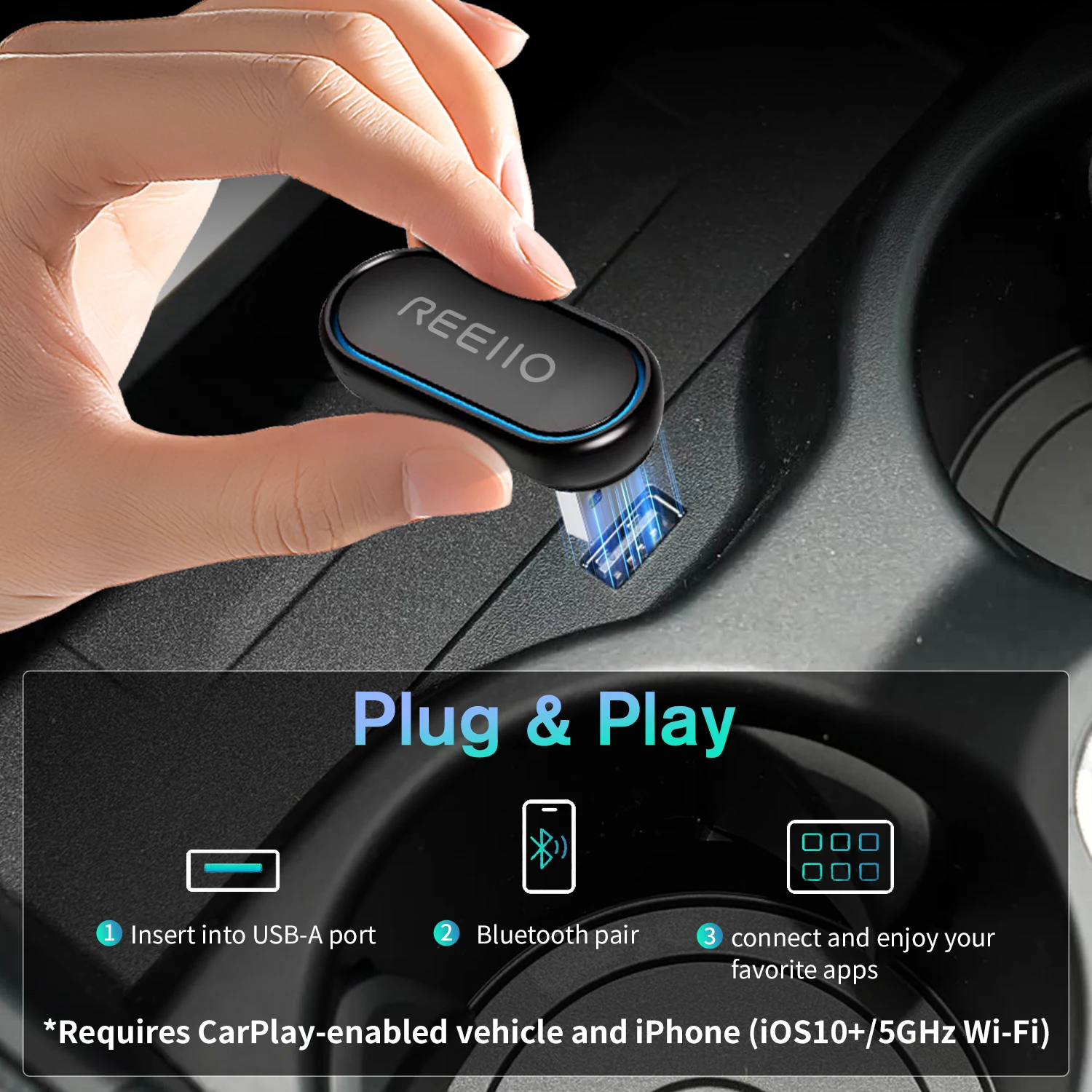
4. Plug and play, Plug in our product to the USB port with data transmission, Search the Bluetooth name and allow all request.
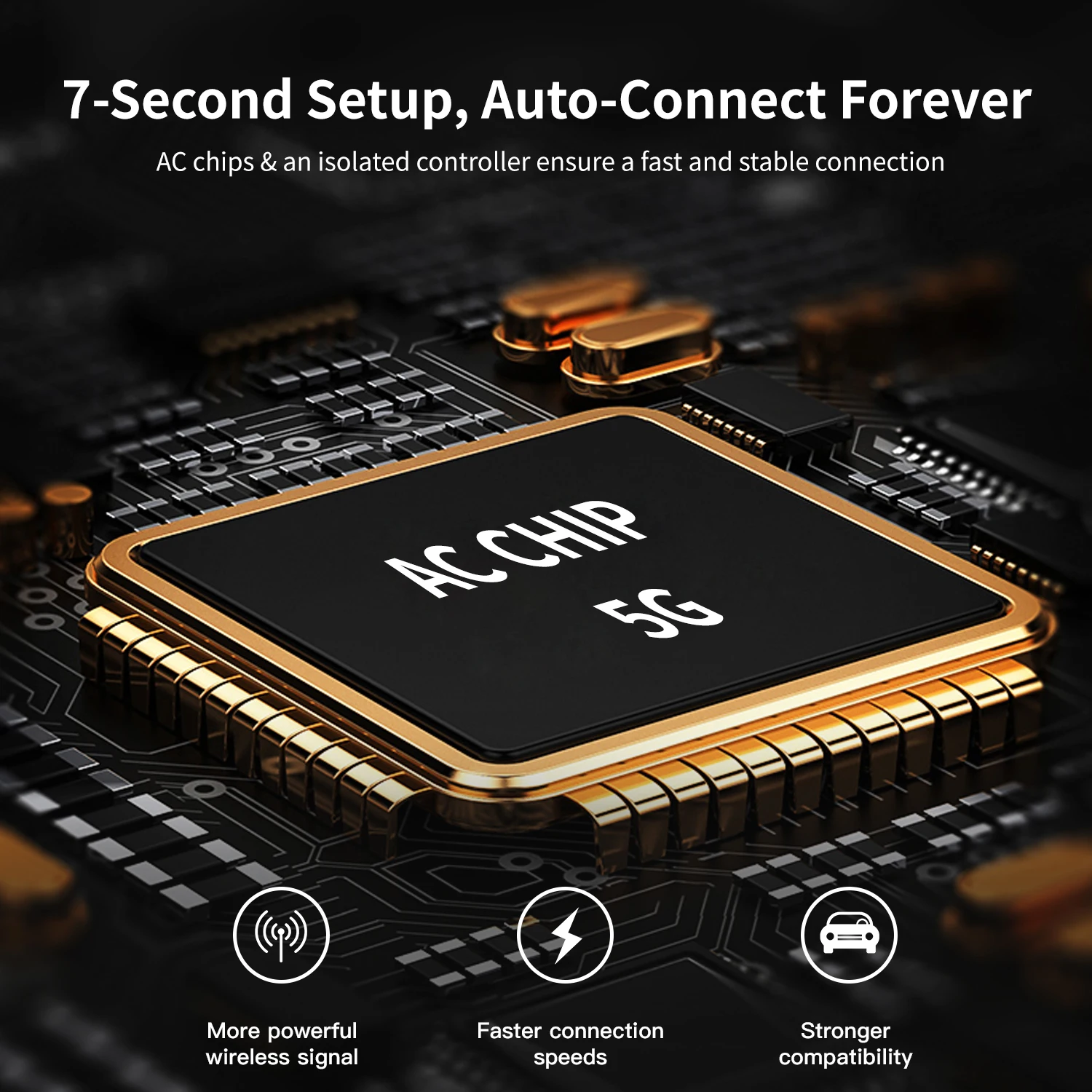
5.5.8GHz Wifi transmission, the most stable solution for the phone connection.
6. OTAupgrade, if have any problem you can submit the feedback and we will release the new software
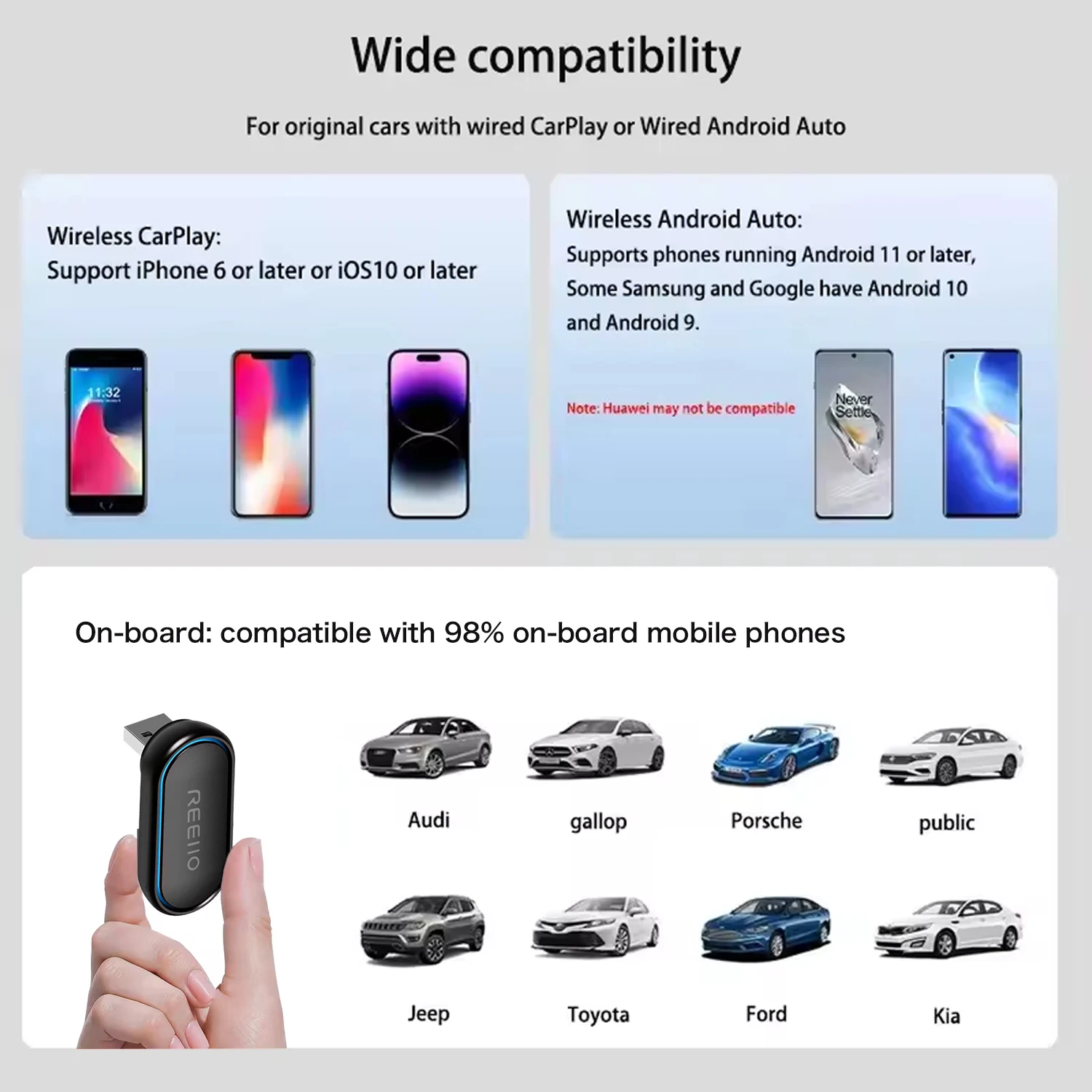
7. Great Compatibility. Right nowcompatible with 99% of cars on the market with wired CarPlay and Android Auto
Phone OS Version
Wireless CarPlay need iOS 10 and above
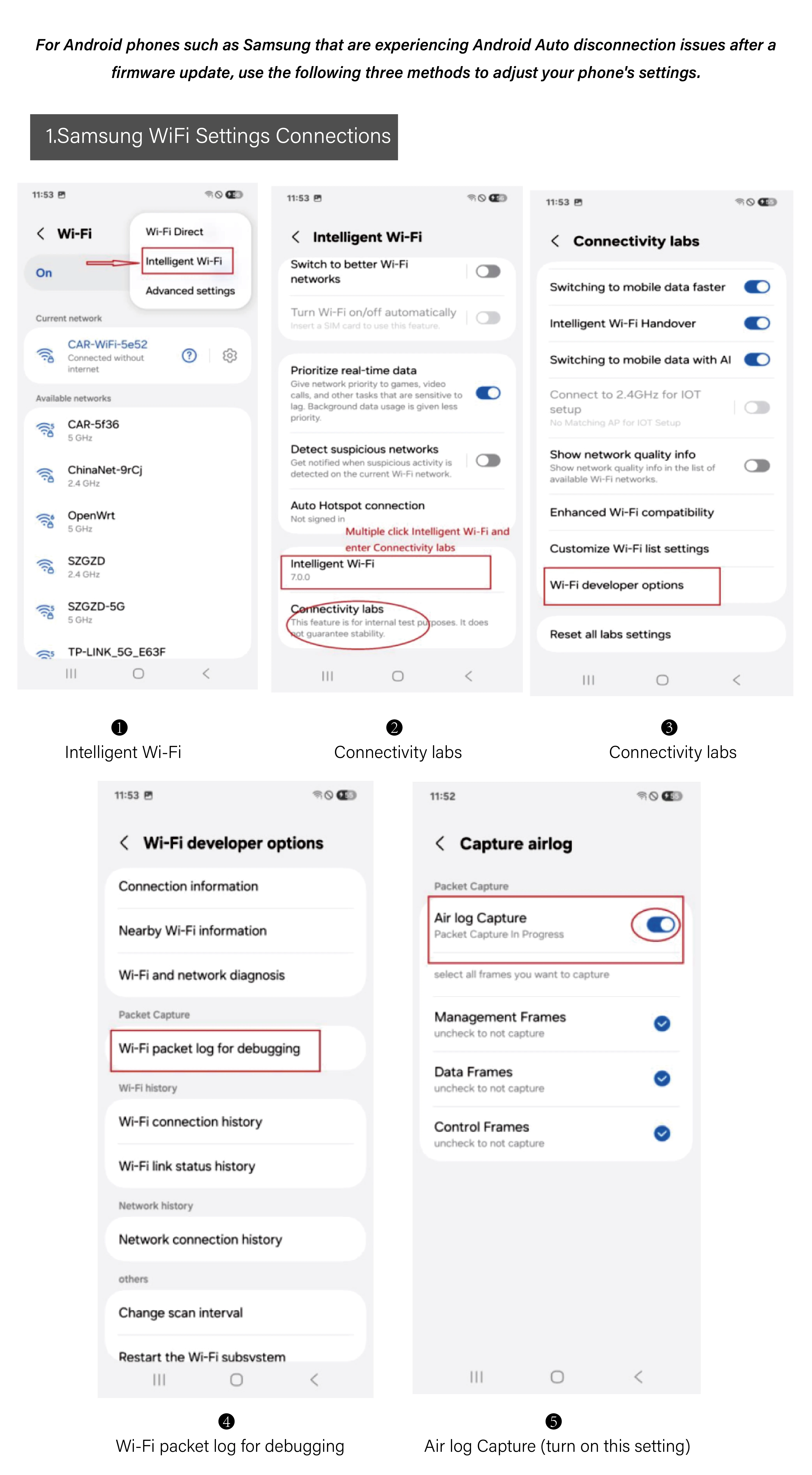
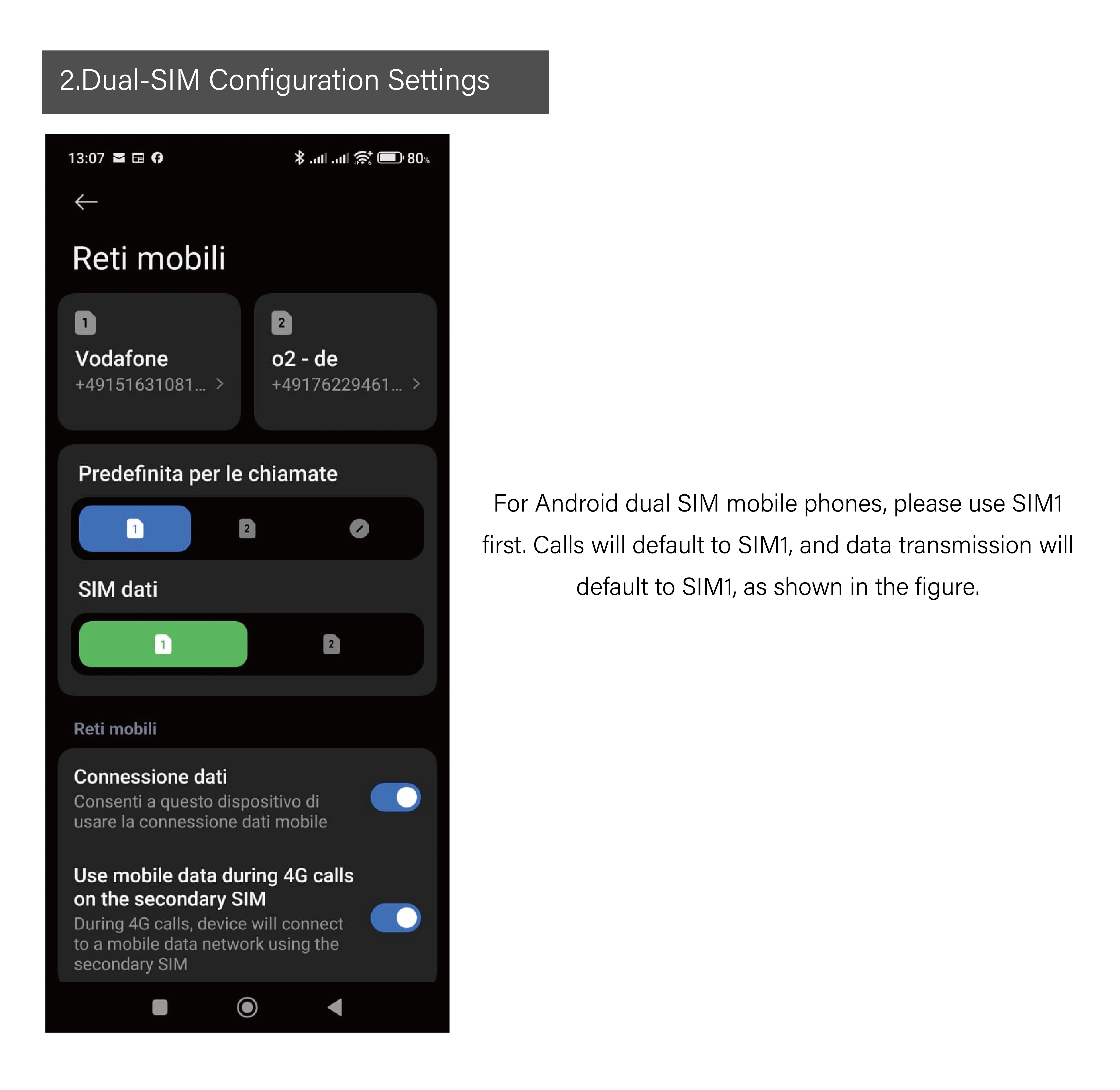
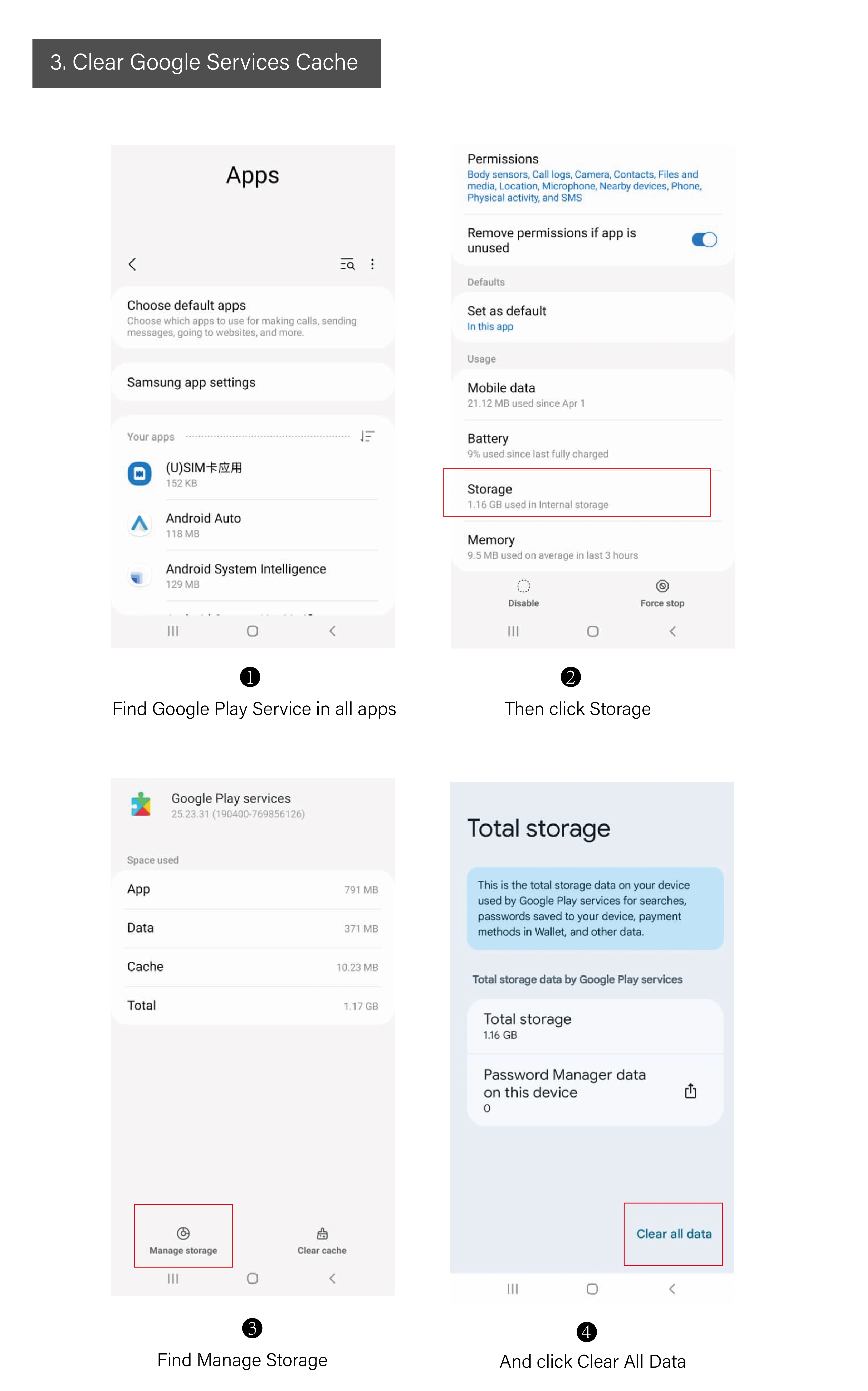
Wireless Android Auto need Android 11 and above ,equipped with 5Ghz wifi
Usage method:
1. Insert this product into the original car USB interface, turn on iPhone Bluetooth, search for the device name, connect the smart box xxxx, agree to pairing, and realize the product's CarPlay function under the prompt and guidance of the mobile phone.
2. Insert this product into the original car USB interface, turn on the smartphone Bluetooth, search for the device name, connect the smart box xxxx, agree to pairing, and realize the product's Android car function under the prompt and guidance of the mobile phone.
How to connect CarPlay/Android Auto? How to use?
1. Start the car and wait for the car system to load.
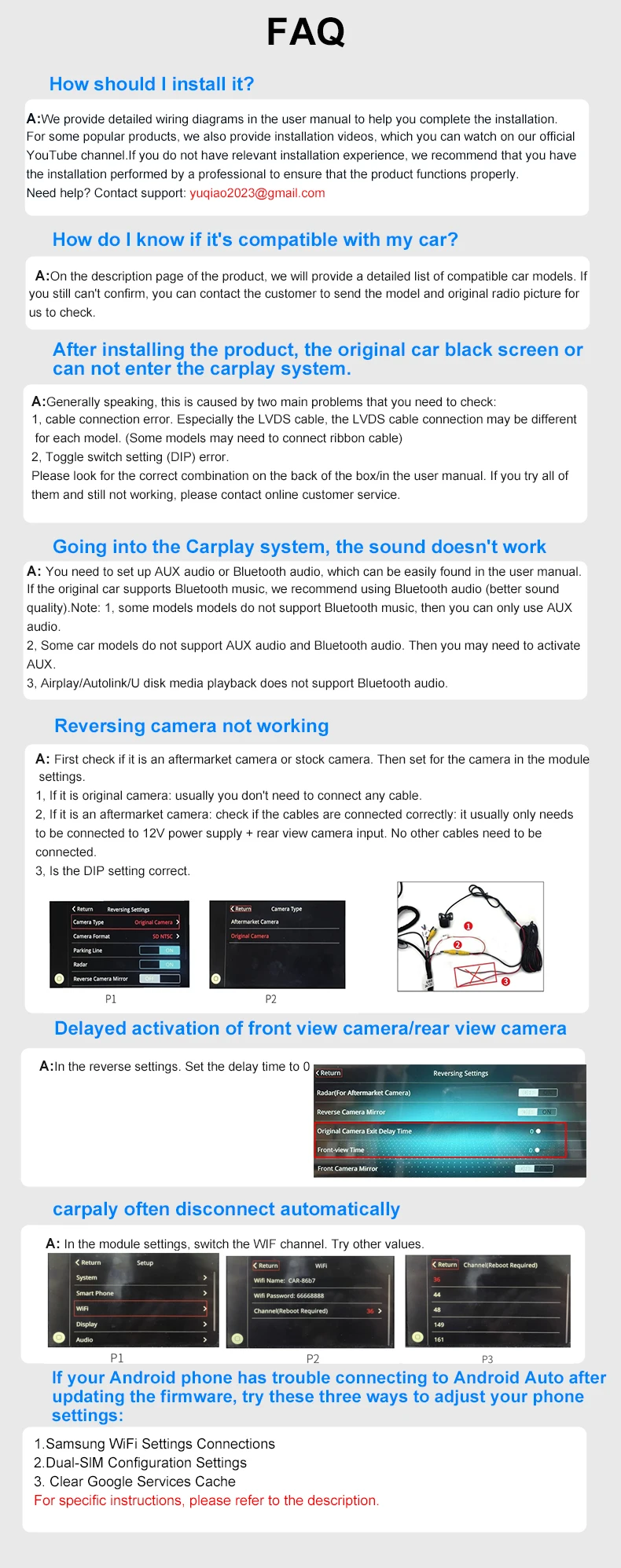
2. Connect the wireless CarPlay Android Auto adapter to the car's USB-A or USB-C port. Please make sure to plug the adapter into the port of the wired Apple CarPlay or Android Auto.
3. Turn on Wi-Fi and Bluetooth on your iPhone/Android smartphone, find the Bluetooth device named "Wireless Dongle-xxxx*", click "Pair"; click "Allow"; click "Use Carplay" or "Use Android Auto".
Please note
1. Please make sure your original car has OEM CarPlay installed. This product is suitable for 99% of vehicles equipped with original wired Carplay. Some models such as BMW and Tesla are not compatible. If you are not sure, please contact customer service for consultation.
2. Carplay supports iPhone 6 and above models, and the software version is iOS 10 and above.
3. Android Auto supports Android 11 and above models. (Note: Huawei phones are special. Huawei devices have their own mobile operating system - EMU. Unfortunately, Android Auto wireless connection does not support EMU.)
Note: Customers need to prepare the USB data cable.
🚚 Shipping: Items ship within 1-3 business days.
🔧 Warranty: 1-year warranty included.
🔄 Returns: 30-day return policy.
Images are for reference only.