
Skip to product information






CARABC Carbitlink Smartlink Easy Connection to Wireless CarPlay Android Auto for Baic BJ40
$191.57
Please kindly note
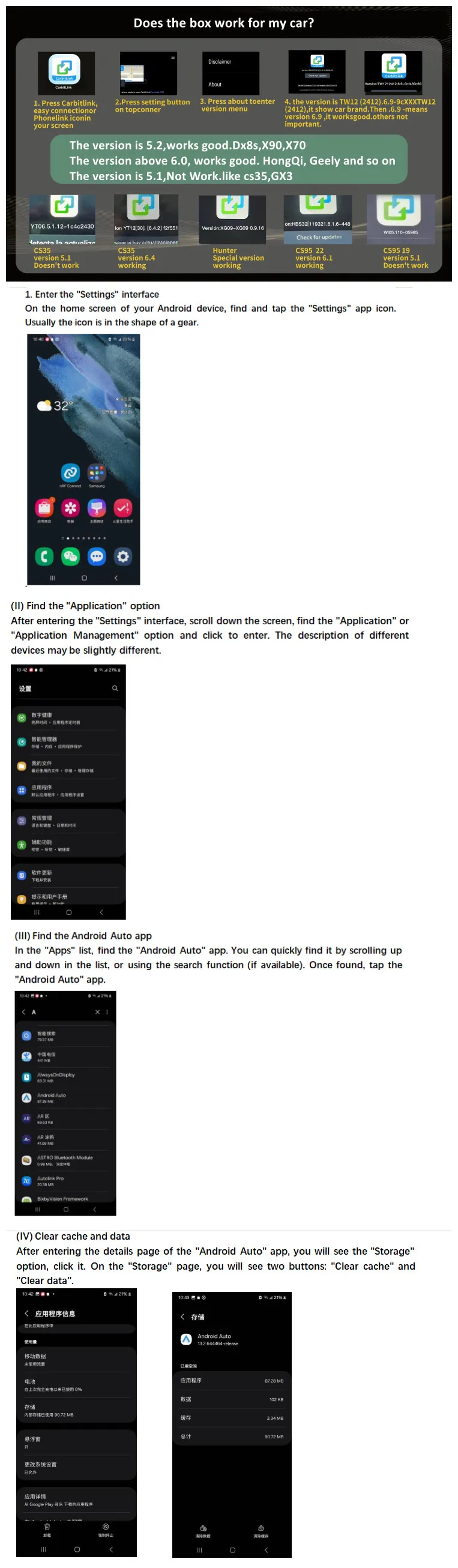
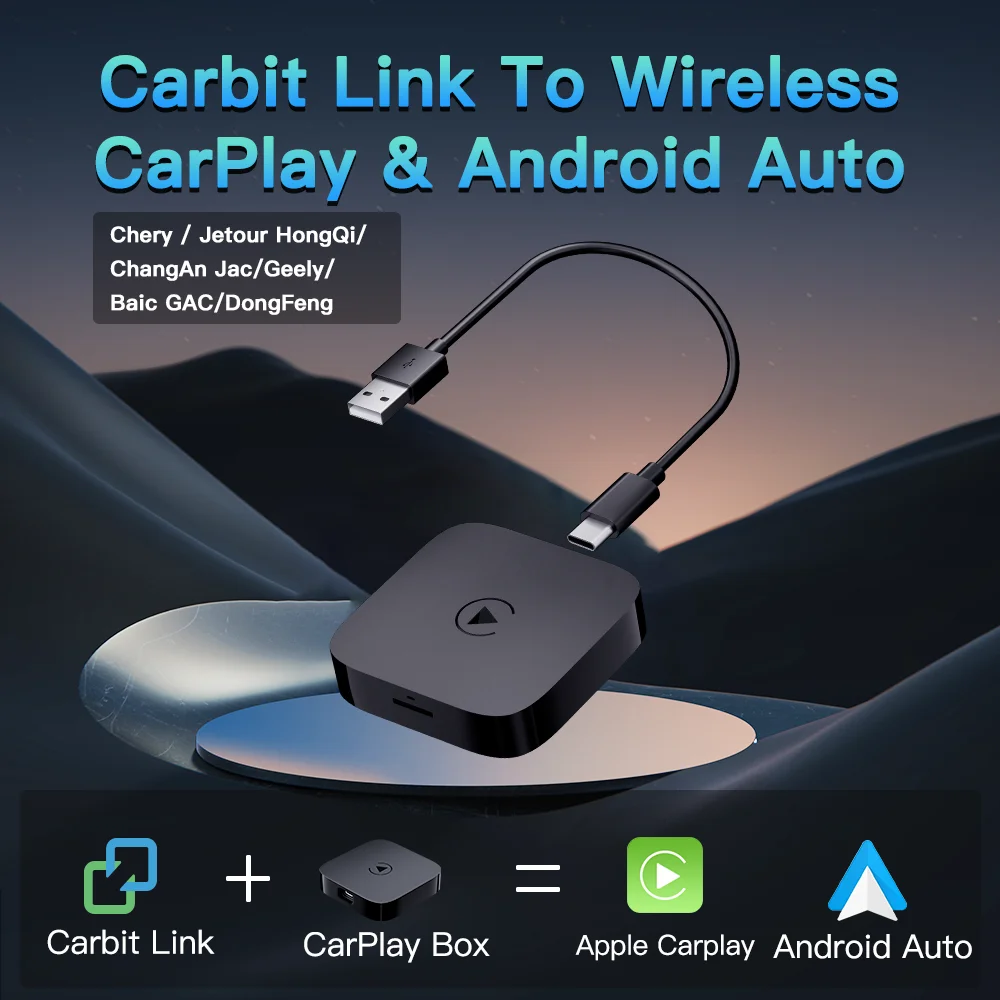
1.This current product is Carbit link / Smart Link / Phone Link / Easy connection to CarPlay and Android Auto convert box that ONLY supports: Chinese made car with Carbit link / Smart Link / Phone Link / Easy connection function.
2.The principle of use of this product is to upgrade wired Carbit link / Smart Link / Phone Link / Easy connection of original car screen to be Wireless CarPlay and Adroid Auto function.
Please send us a message if you need help.
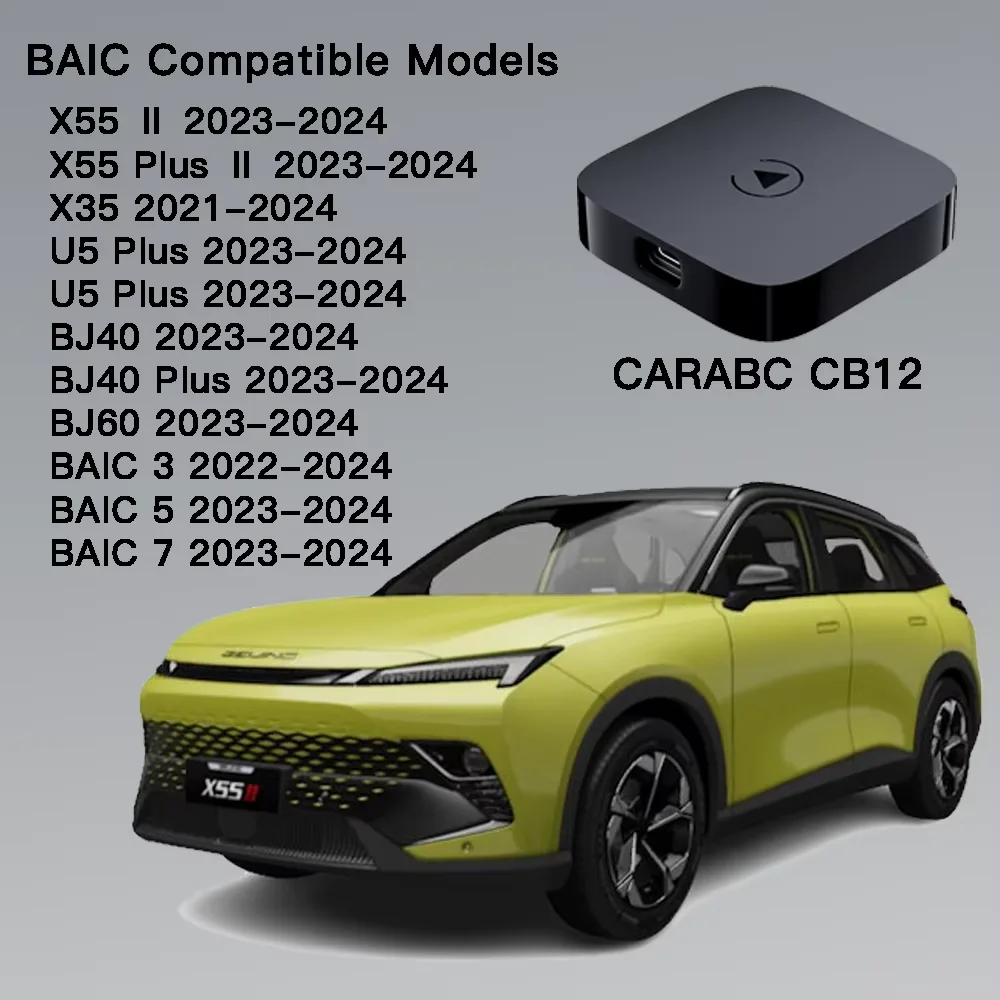
Compatible with these BAIC cars :
X55 Ⅱ 2023-2024
X55 Plus Ⅱ 2023-2024
X35 2021-2024
U5 Plus 2023-2024
BAIC X75 2023-2024
BJ40 2023-2024
BJ40 Plus 2023-2024
BJ60 2023-2024
BAIC 3 2022-2024
BAIC 5 2023-2024
BAIC 7 2023-2024
CARABC CB12 is Aesthetically pleasing technology from Asia East China, compatible with both iPhone (iPhone 5 and higher) and Android phones (Android 11 and higher).
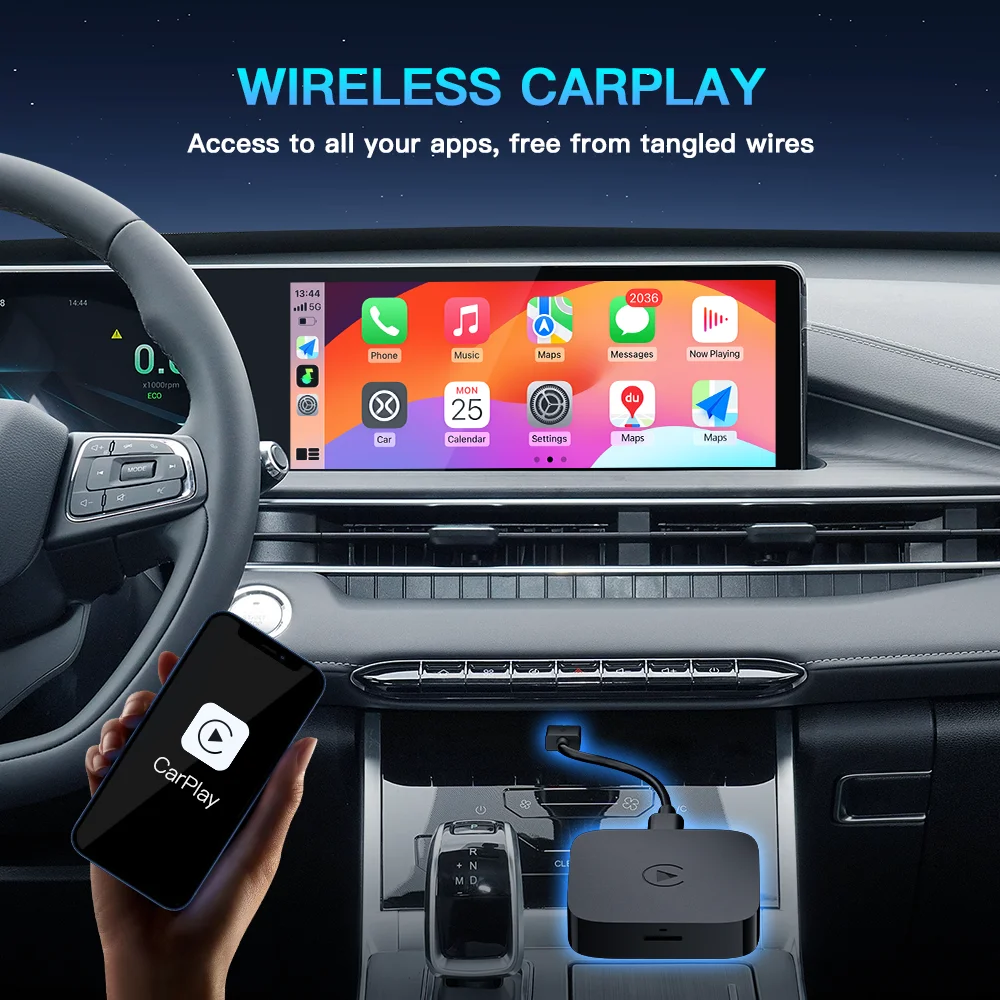
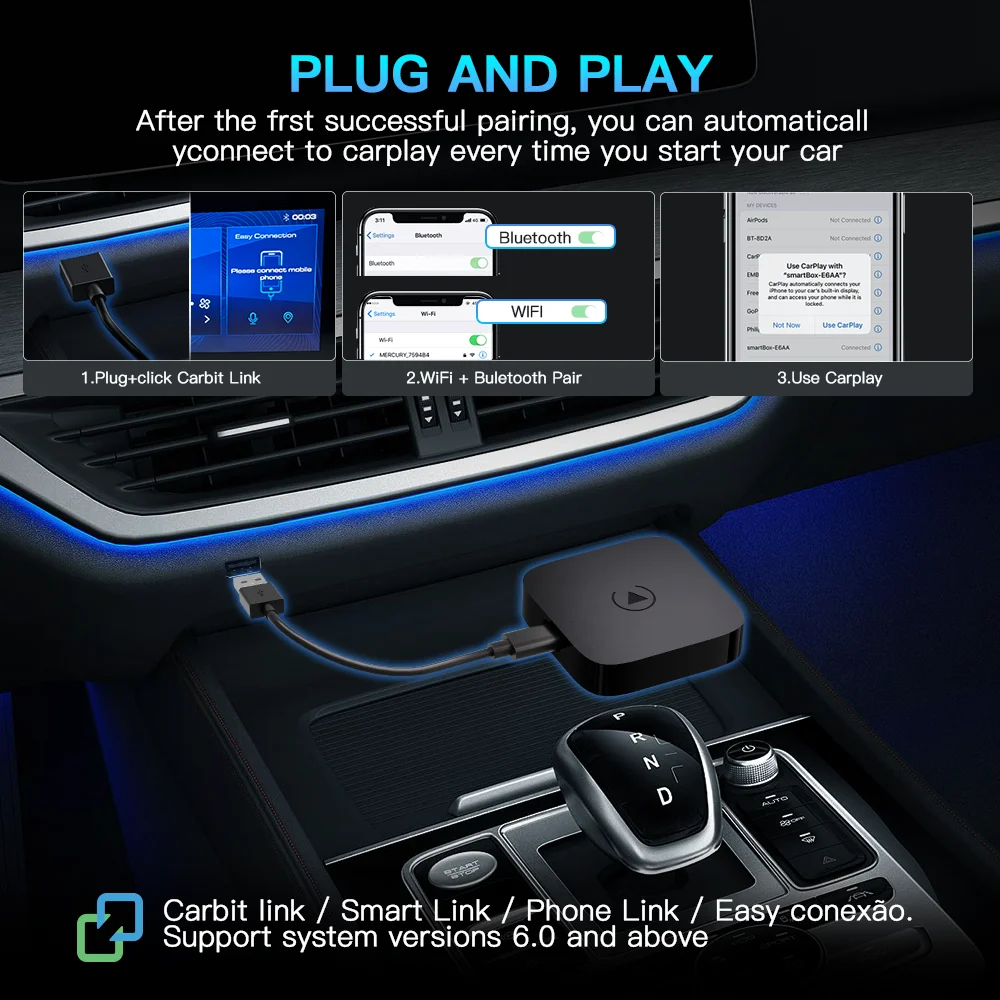
How to use: Insert the carbitlink adapter into the USB port of the car, the Bluetooth name of the iphone mobile phone connecting device: carplay&Auto****, please do not connect directly to WiFi. for wireless Android auto, please download the latest version of the Android auto APP from the Google Play Store, and connect in the same way!
Description:
1.Not support YouTube or other video apps.
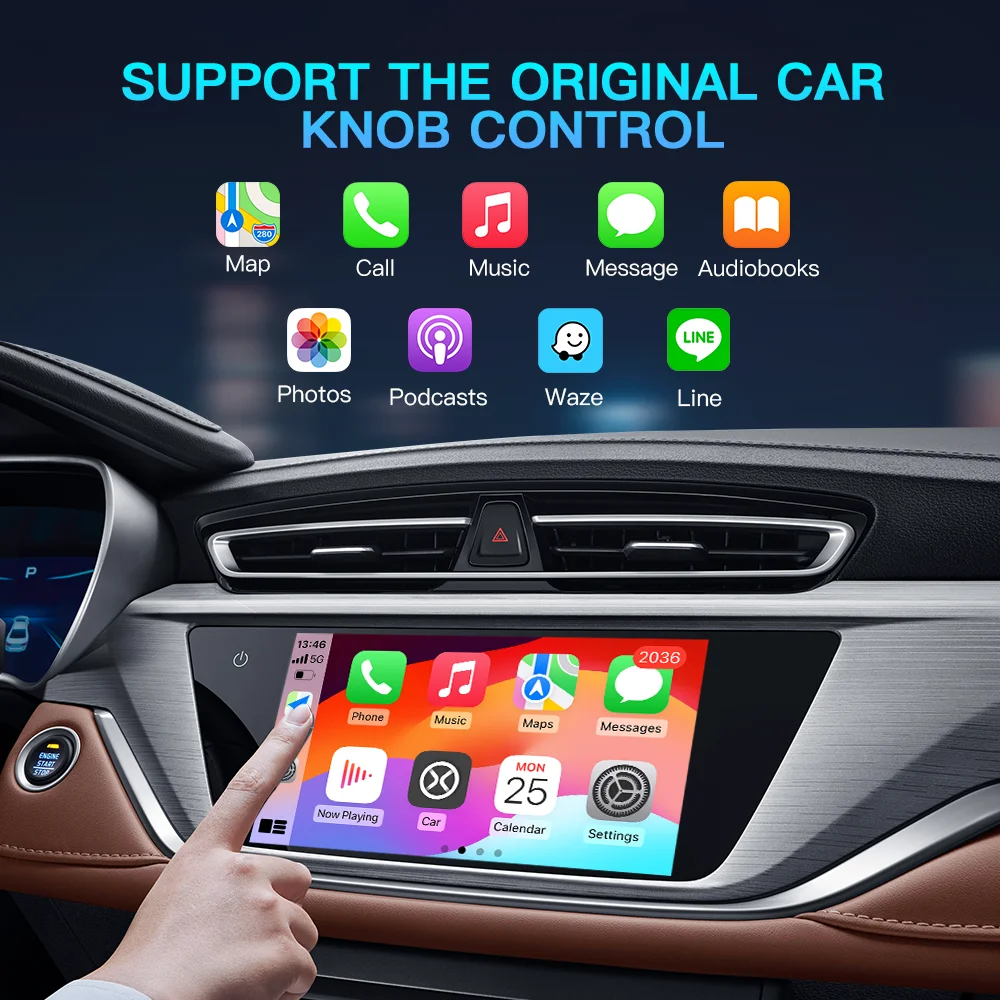
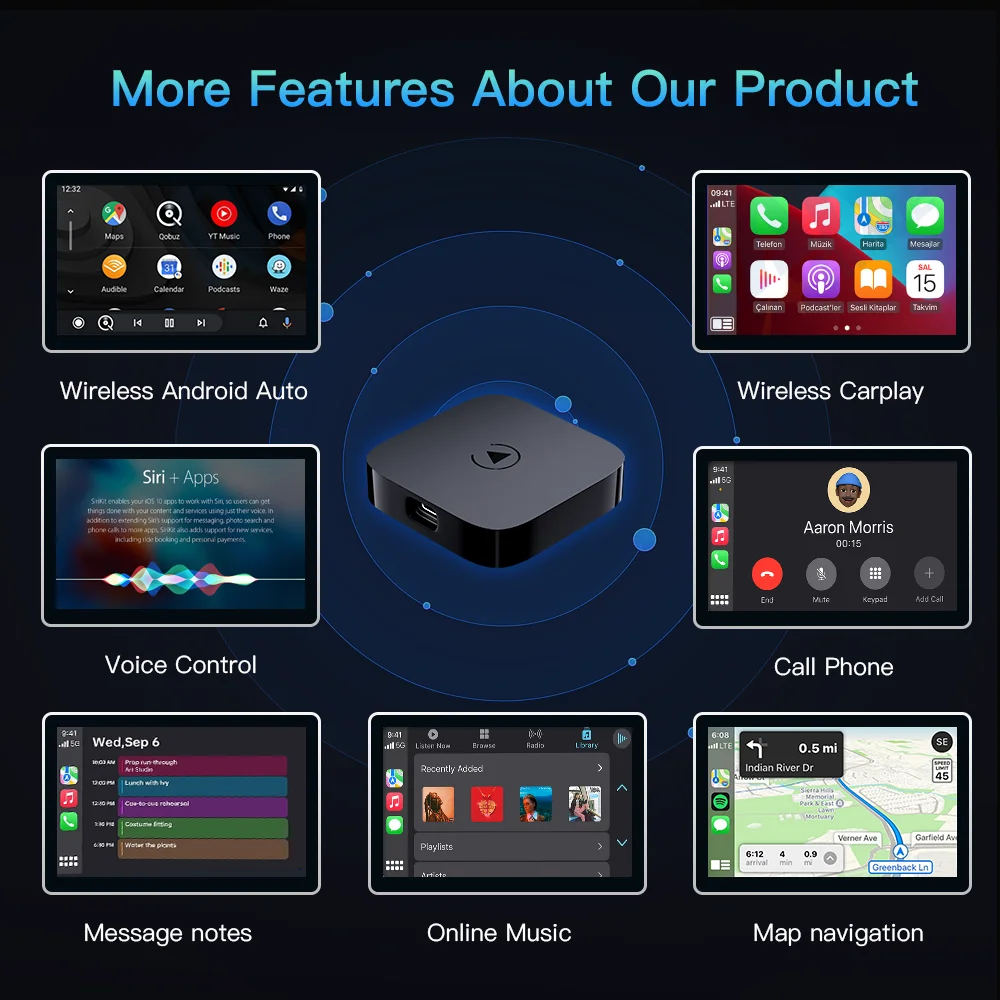
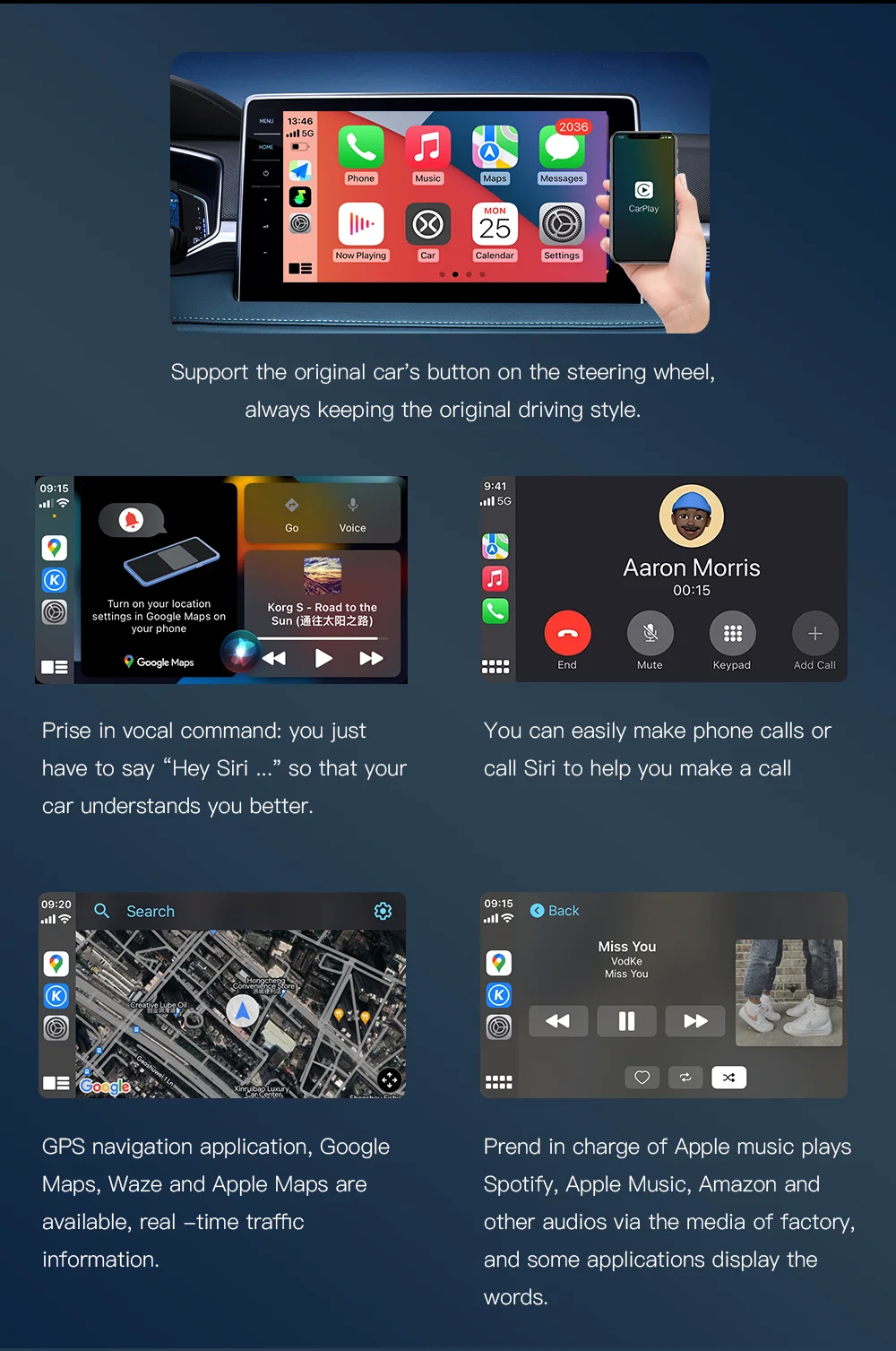
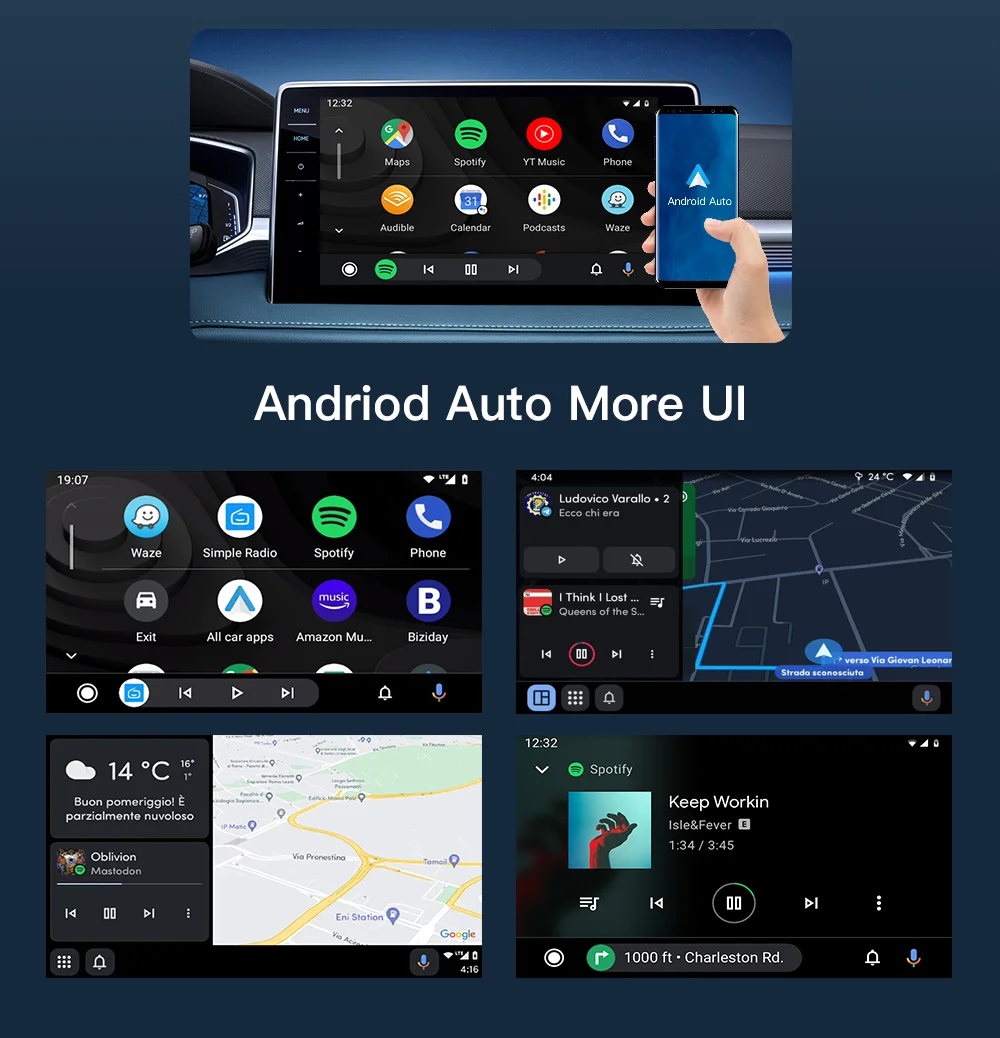
2. Display many apps,such as Google Maps,Waze Map,2GIS Map,Apple Music,Spotify,FM radio, news app and other apps on your original car screen.
3. Support local languages menu.(English, Russian, Arabic, Spanish, Italian, Polish, Portuguese, and 12+ other national languages.)
4. Just need connect this product to your car's USB port, very easy to use.
5. No need coding,No need install any apps,No need hacked the car system,No affect warranty.
Samsung mobile phones frequently disconnect and cannot connect to AA Other improvement measures
1. Check the application version: You can open the Google Play Store, search for "Android Auto", and if there is an update button, click it to update to ensure that you are using the latest version.
2. Check the permission settings: Make sure Android Auto has the necessary permissions. Go to the phone's "Settings" - find "Android Auto" - click "Permissions" and confirm that all permissions such as location, storage, and Bluetooth are enabled.
3. Reset related settings:
(1). Reset Bluetooth settings: If you are connecting to Android Auto via Bluetooth, click the "Settings" icon in the upper right corner of the phone, find the "Bluetooth" option, select "Reset Bluetooth", and then try pairing again.
(2). Check the automatic blocker function: The "automatic blocker" function of some Samsung models may affect Android Auto connection. Go to your phone's "Settings" - "Security & Privacy", find the "Auto Blocker" feature and turn it off, or make sure the "Maximum Restrictive" mode is turned off.
🚚 Shipping: Items ship within 1-3 business days.
🔧 Warranty: 1-year warranty included.
🔄 Returns: 30-day return policy.
Images are for reference only.